



Keep your money secure
Spot the Scam. Stay Protected.
Learn how to recognise scams, protect your business account, and respond quickly if something feels off. Online scams are more common and more convincing than ever. Knowing what to look out for is your best defence.
Funds safeguarded at DBS and other Tier-1 banks

Trusted by 50,000+ modern businesses







Common scams targeting business users
Bank transfer scams, where criminals trick you into sending your money into another account, are on the rise. If a transfer looks suspicious, we’ll provide in-app warnings. Please take these seriously.
Phishing: “This is Aspire Support”
Scammers may send emails, SMS, or WhatsApp messages pretending to be Aspire. These messages often include urgent language like:
“Your account will be locked. Click here to verify.”
They’ll direct you to a fake Aspire website or ask for your login details or OTP.
Don’t click. Don’t share. Aspire will never ask for your OTP or full password.
Impersonation Calls
You may receive a call from someone claiming to be from Aspire, the police, or even a courier company. They might:
- Ask for your account details or security codes
- Say your account has been compromised
- Create pressure to act quickly
If in doubt, hang up. Then contact Aspire directly through the official app.
Invoice & Supplier Scams
These scams target businesses by sending fake invoices that appear legitimate. They may:
- Change just one letter in an email address
- Pose as a vendor you regularly work with
- Urge quick payment to a new bank account
Always double-check invoice details. Especially the bank information.
Investment & Loan Scams
Scammers may offer guaranteed returns, low-interest loans, or insider deals. You’ll be asked to pay a fee upfront or hand over sensitive details.
If it sounds too good to be true, it probably is.
How Aspire keeps your funds and account safe
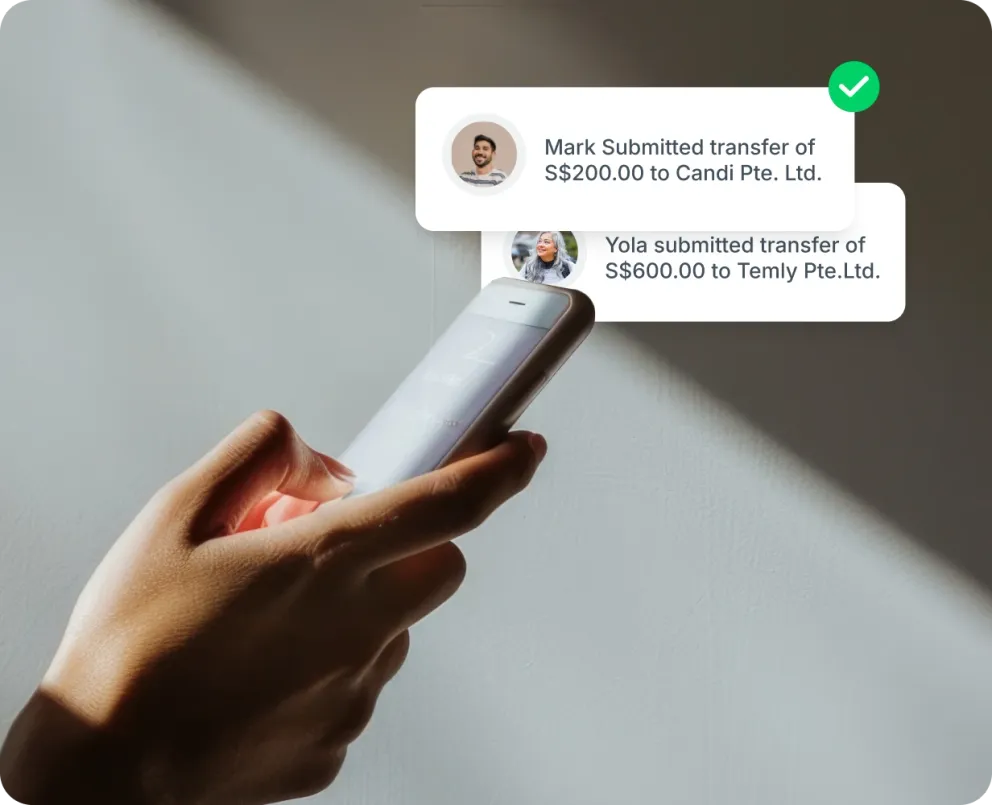
Apply spend limits and merchant locks to your cards
Limit card payments to only the category of merchants and specific merchants you trust directly within the app. You can also enforce spend controls for each card or a group of cards. Simply head to Card > Edit > Switch on Spend limit or add card to Budget.
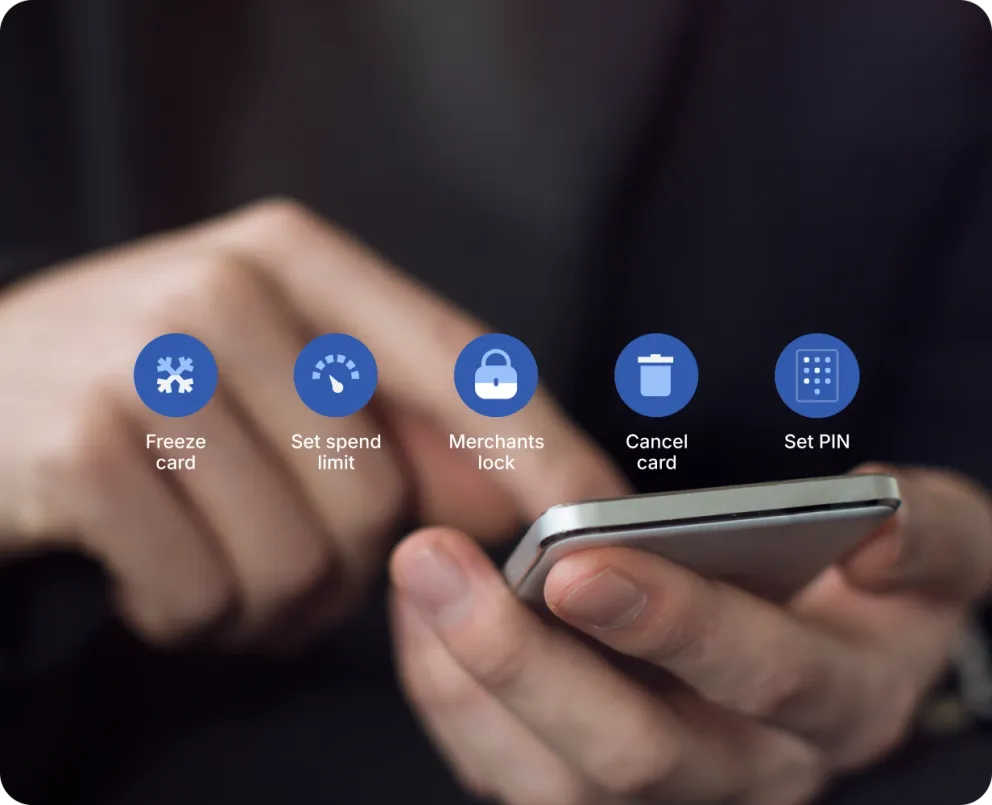
Freeze your cards in seconds
If your card is lost or stolen, freeze it in a tap. But there’s more to customise, how much you can withdraw from an ATM, set online and contactless spend limits, and add location-based security to stay completely in control.
Multi-layer fraud protection
Our platform and app logins are protected with a user PIN that should be known only to yourself. Transactions also require 2-factor authentication with an OTP that is sent to your registered Email ID or Mobile Number. We also trigger warning notifications when logging in from a new or different device.
Frequently asked questions about Scam and Fraud
Fraud occurs when someone gains access to your Aspire account or card and makes unauthorized transactions without your knowledge.
A scam is when you're tricked into sending money or giving away personal information, usually by someone pretending to be Aspire or another trusted party.
Aspire will never ask for your full password, OTP, or card PIN via email, SMS, WhatsApp, or phone call. Always check the sender’s email or number, and only log in through the official app or aspireapp.com.
- Freeze your card or account immediately in the Aspire app
- Contact Aspire Support via in-app chat or email: security@aspireapp.com
- Change your login password and secure your device
- Report the scam to local authorities if money has been stolen
Log in to Aspire from another device as soon as possible.
- Change your password
- Revoke access to old devices from the security settings
- Freeze your Aspire card(s) as a precaution
Be cautious. Aspire will only send links from trusted domains like aspireapp.com. If the message feels urgent, threatening, or unfamiliar, DON’T CLICK. Report it to security@aspireapp.com.
Yes, scammers often pretend to be from trusted companies. Remember: Aspire will never ask for your OTP, password, or request remote access to your device. If you’re unsure, end the conversation and contact us through the app.
You can forward any suspicious message to security@aspireapp.com or report it via Aspire’s in-app support. We investigate all reports and take immediate action to protect your account.