



AI-native finance operations to help lean teams scale
Your Aspire account, now inside Claude and ChatGPT
See where your cash stands, clear the approval queue, and set spending controls without switching tools. Scale your lean team with AI-native finance operations.
Aspire MCP, now available to all Aspire customers.
Trusted by 50,000+ modern businesses
4.5 rating









A finance stack that talks directly to AI. Your finance ops, without the admin queue.

No switching between reports
Your full finance picture with a natural language query. Cash, balances and spend across the business in seconds.

Move beyond just AI answers
Agentic finance that actions changes and recommendations for you.

You stay in control
All changes verified by you, respecting existing roles, limits and Aspire security standards.
Get setup securely in minutes
Add the Aspire MCP server URL to your AI tool and log in. That's it.
Copy this URL: https://aspire-mcp.aspireapp.com/mcp
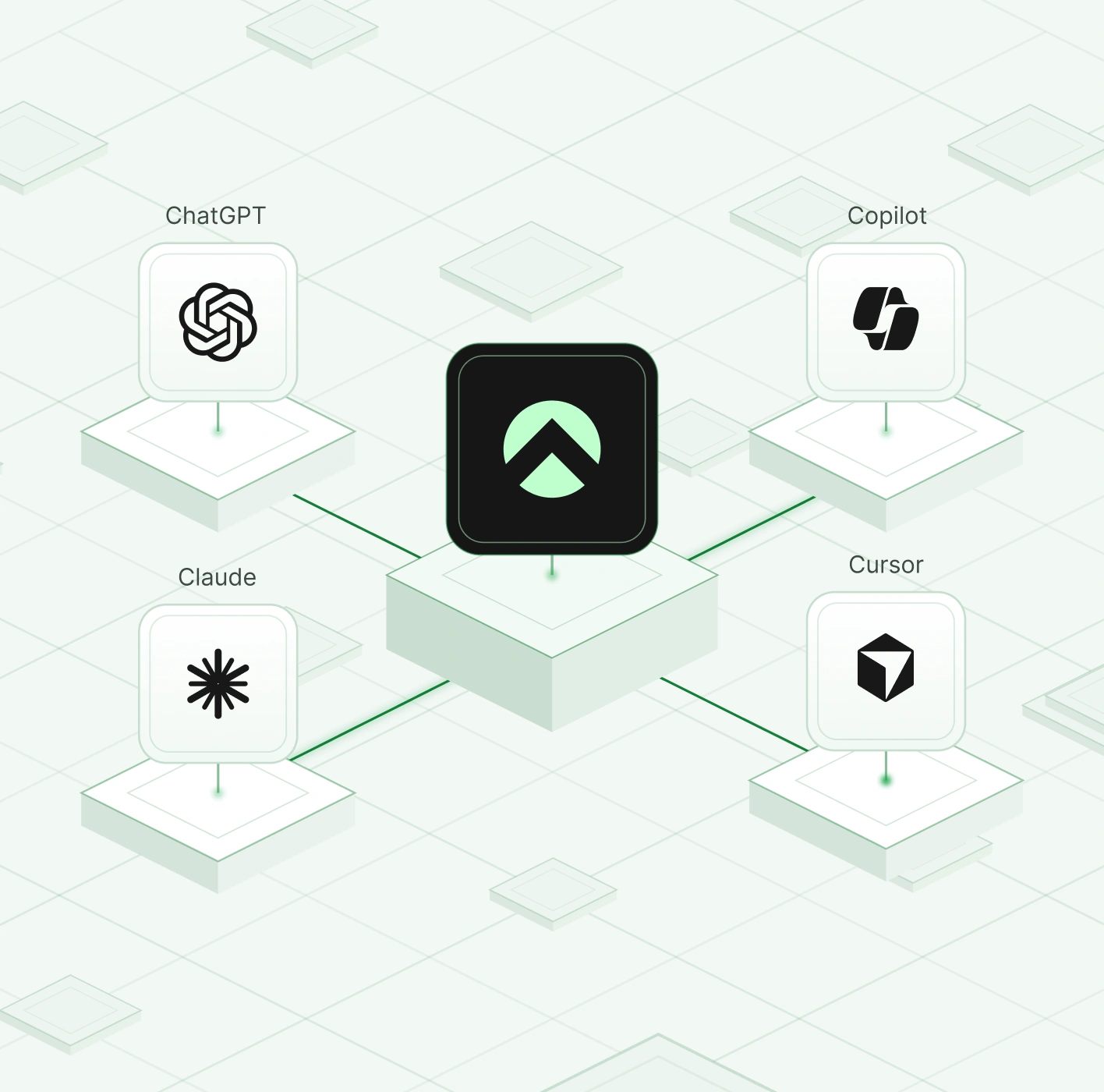
Add a new connector: open connector settings in Claude, ChatGPT, Copilot or Cursor, then paste the Aspire MCP server URL
Authenticate via log-in: to allow access
Run your business finances with AI. That’s all it takes. Ask questions and see results in-tool.

Take controlled actions, fast
One question, whole picture, one place.
No navigating admin screens, or training on new UI.
Manage cards, bills, budgets, and claims with natural language queries.
Works across your businesses.
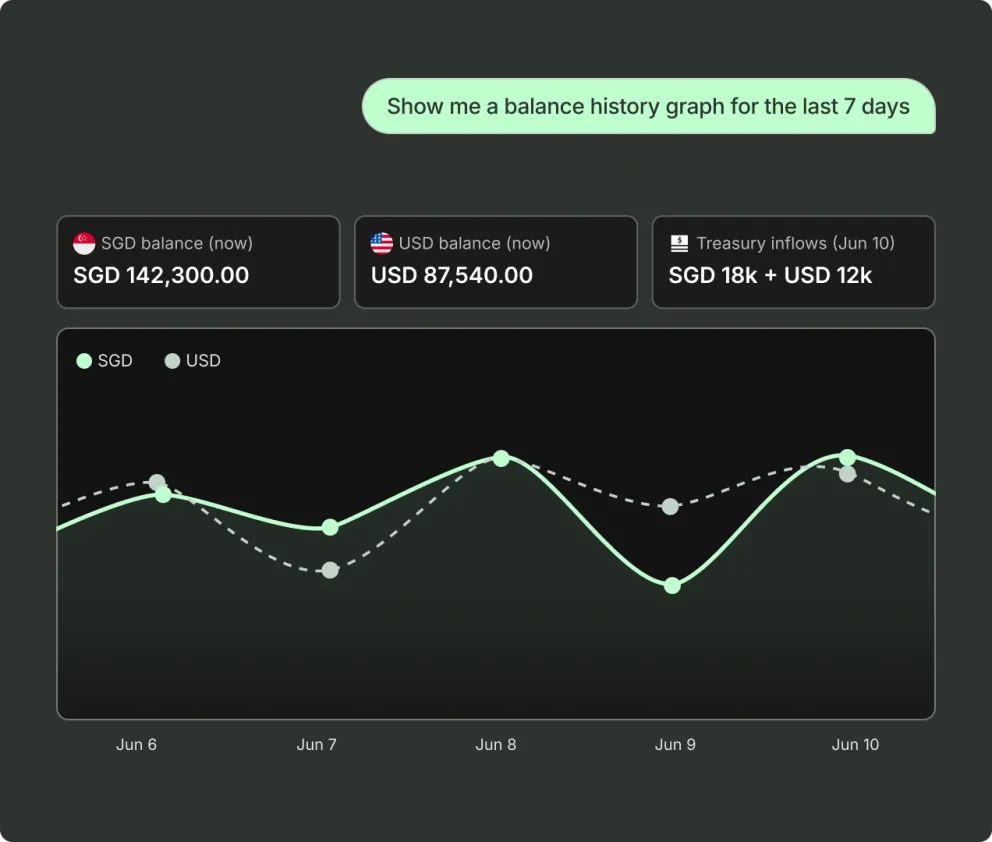
No need to pull a report. Get your answers in a sentence.
See your cash and spend in seconds:
"What's my cash position across all accounts?"
"Show me this month's spend by category/team"
"What's changed since last month?"
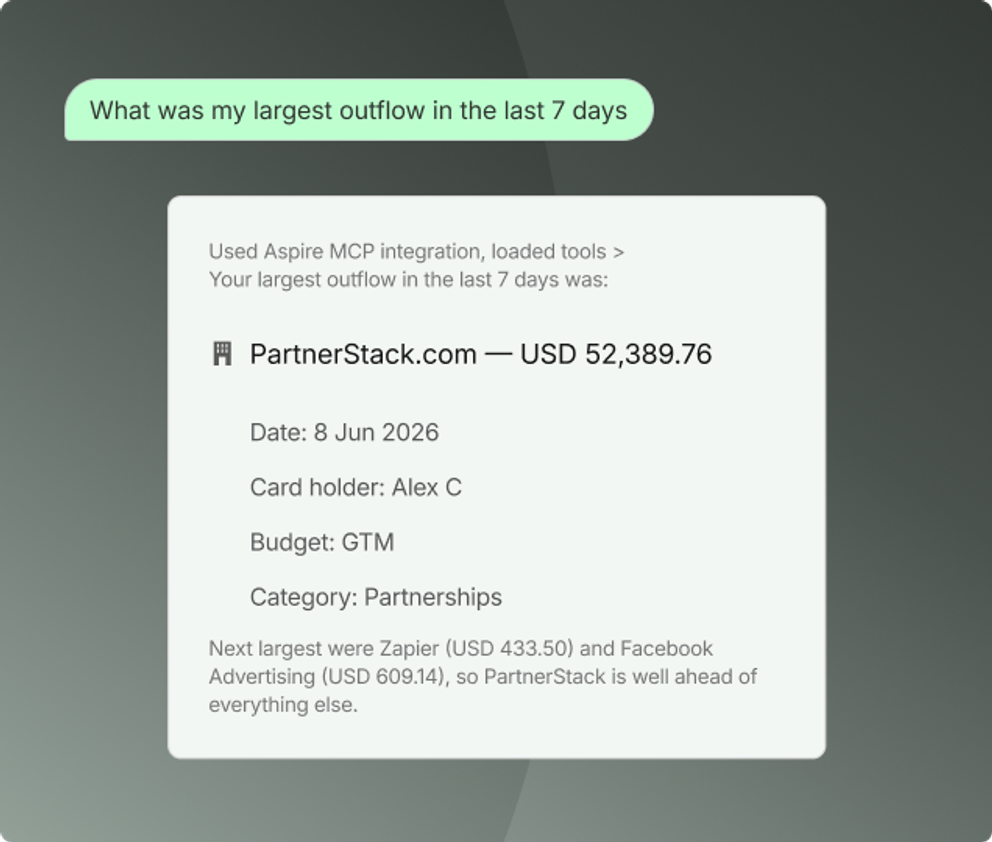
Know where things stand without opening five screens
Stay on top of approvals with efficiency
"Which claims are pending and how are they funded?"
"Freeze the card of the contractor who left last week”
“Issue cards for the new starters in HR team with a limit of $3000"

Cash & accounts view across your businesses
- See balances across all your accounts
- Cash position and account summaries
- Spend by category, team or month

AP at conversational speed
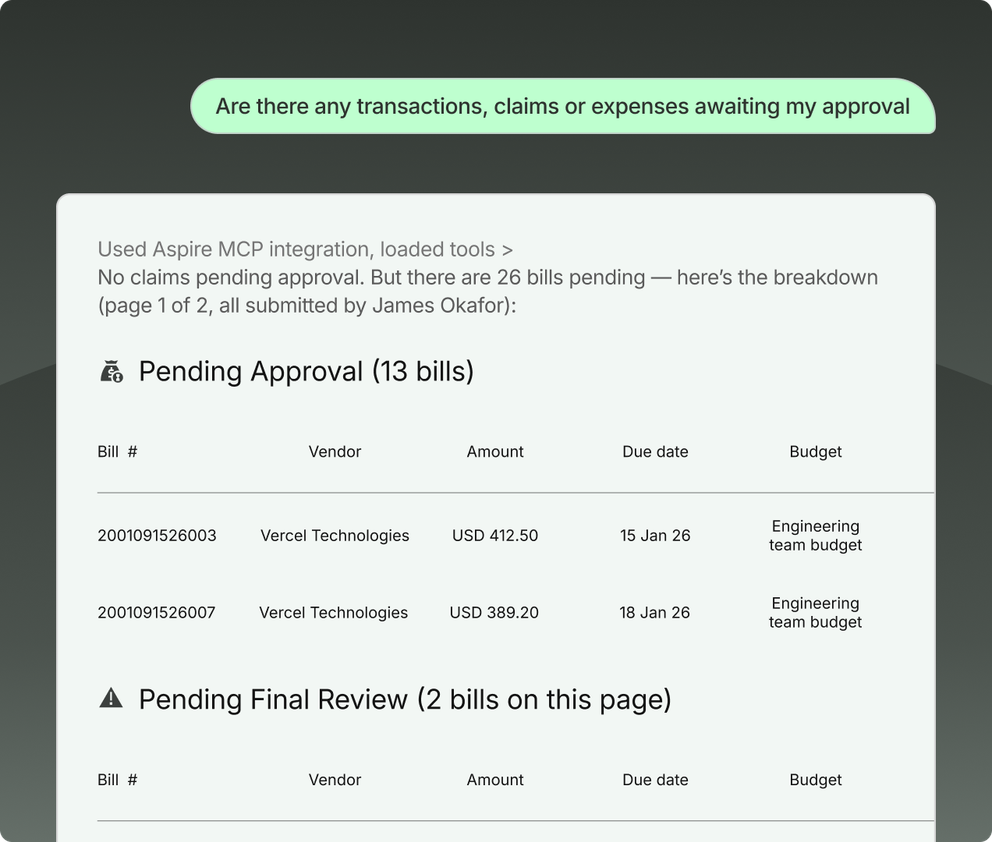
- Scrap the admin queue. Draft, submit, approve, and reject bills through one assistant.
- See what is awaiting approval
- Check a bill's status and authorisations
- Approve or reject bills within your limits
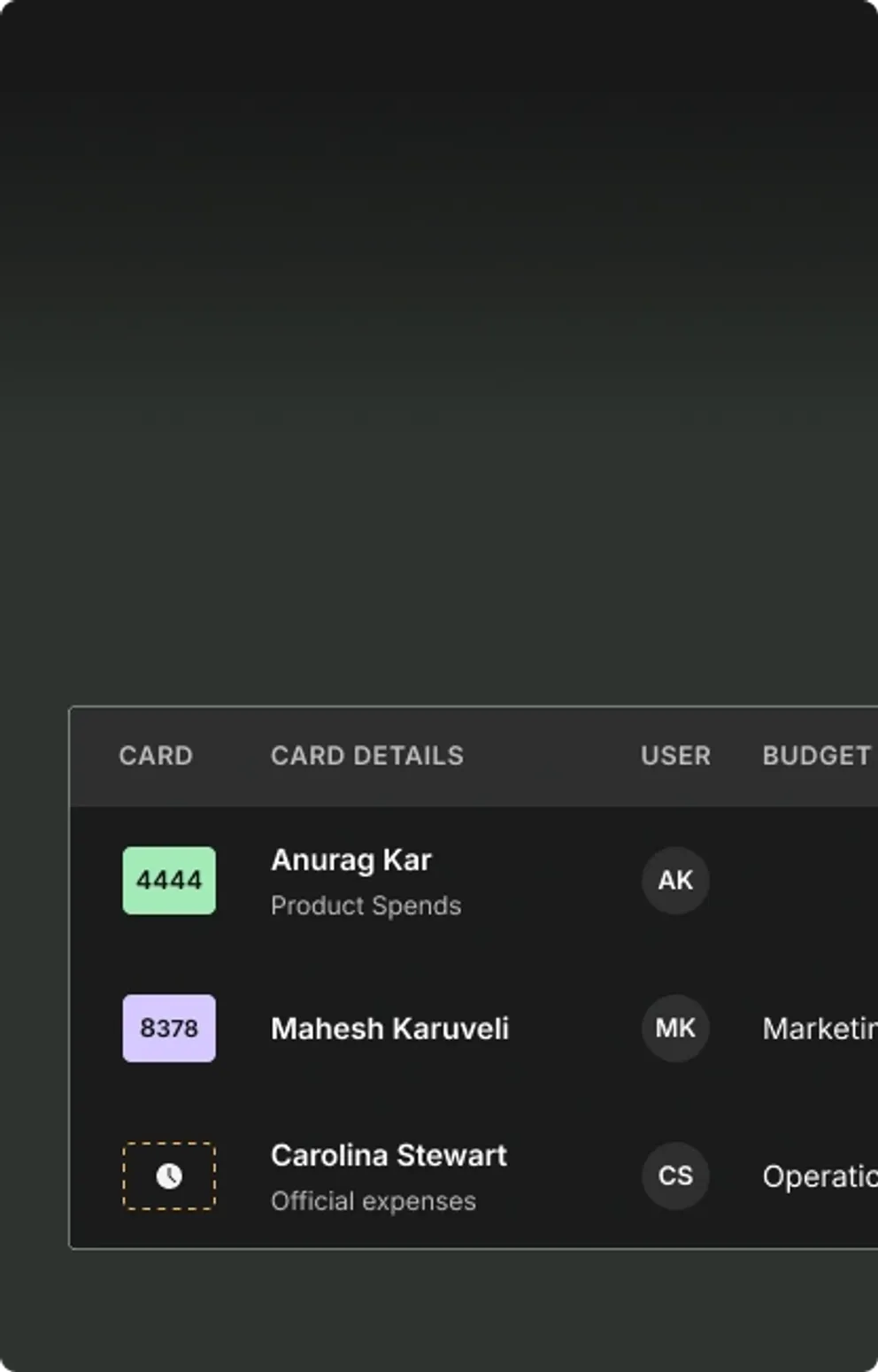
Spend control without the busy work
- Issue a card with the right limit
- Freeze, unfreeze or cancel
- Review and adjust spending limits
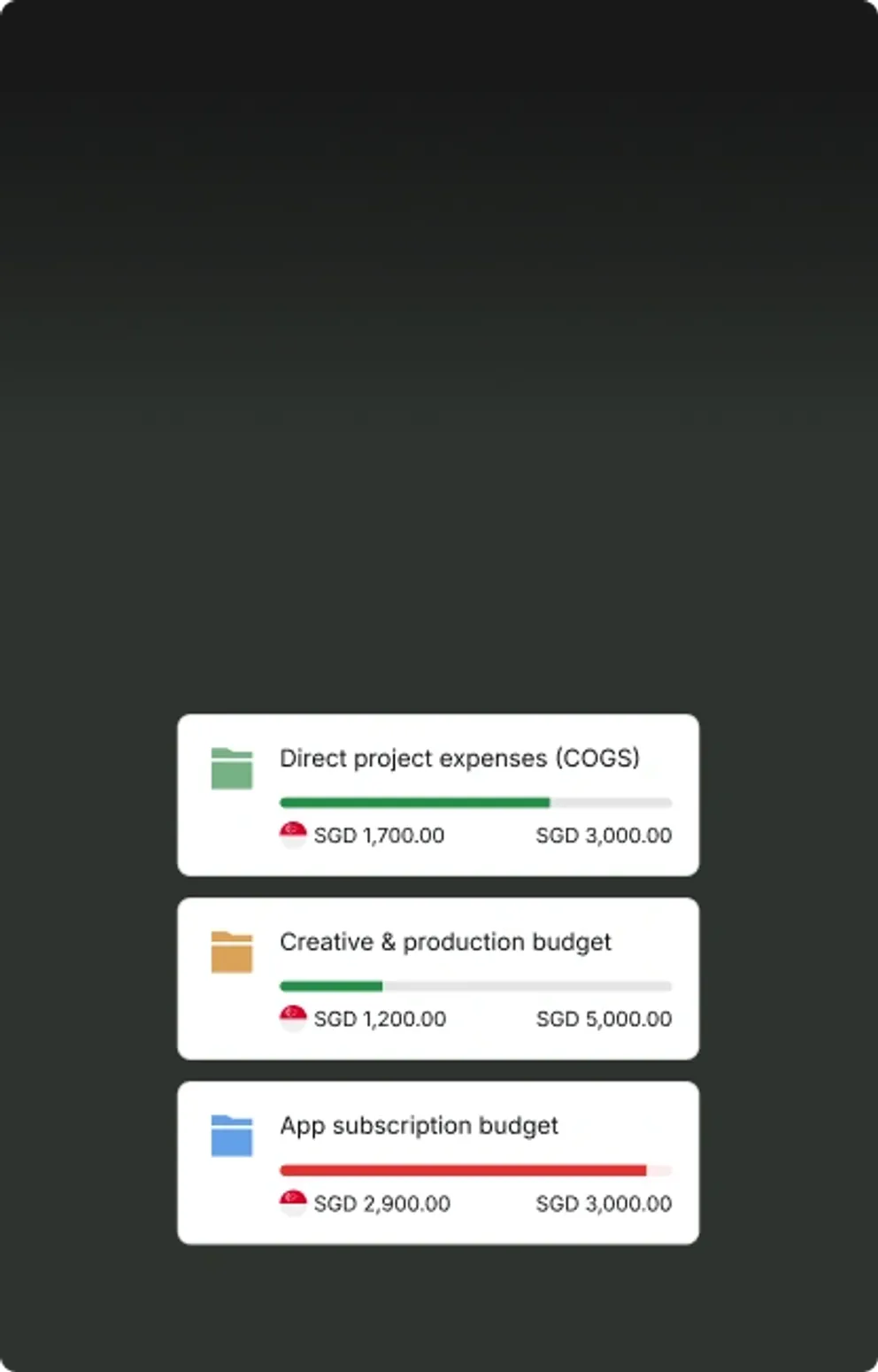
Keep up with budgets & claims
- Review budgets, owners and remaining spend
- Create or adjust budgets by team
- Track limits and flag overspend
- Review pending claims and their funding sources.
Bring Aspire into your AI tools

FAQ about Aspire MCP
Aspire MCP is Aspire's Model Context Protocol server. It lets AI assistants such as Claude, ChatGPT and Cursor read your Aspire data and take actions in your account, within the permissions you already have.
Aspire currently connects to Anthropic Claude, OpenAI ChatGPT Cursor and Microsoft Copilot.
You confirm anything that changes, and it is backed by Aspire's existing security standards.
The Aspire MCP connector uses the same bank-grade security infrastructure as the Aspire platform itself.
The AI assistant can only access information that the authenticated user is already permitted to access within Aspire. If you cannot view or perform an action in Aspire, you will not be able to do so through the Aspire MCP.
The AI does not have access to sensitive authentication data, full card numbers, or any data outside of your authorised Aspire business scope.
Check balances and cash position, review spend by category, team or month, look up transactions, see what is awaiting approval, action bills and claims within your limits, manage cards, and review budgets.
Finance teams and the people who run spend day to day will see the efficiency benefit of working in AI: CFOs and finance leads, founders, and finance or operations admins. Each person sees and does only what their Aspire role allows.
Setup takes a couple of minutes.
- Copy this URL: https://aspire-mcp.aspireapp.com/mcp
- Add a new connector: paste the Aspire MCP server URL into ChatGPT, Claude, Copilot or Cursor
- Authenticate via log-in: to allow access
- Run your business finances with AI. That's all it takes. Ask questions and see results in-tool.
Start your journey with Aspire
Open your free account