



Understanding AliExpress: Why It's the Next Big Opportunity for Hong Kong Sellers
Before committing resources, understanding a platform's core value is crucial. AliExpress is not just a sales channel; it's a strategic springboard that can help your Hong Kong business build an international brand.
What is AliExpress?
AliExpress was founded by Alibaba Group in 2010 as a B2C cross-border e-commerce platform specifically targeting the global market. Often referred to as the "International Taobao," its core customer base is not Mainland China but consumers worldwide.
The platform currently supports 18 languages and allows transactions in over 50 national currencies, covering more than 200 countries and regions globally. For Hong Kong companies implementing a "Brand Going Global" strategy, AliExpress offers an ideal, low-barrier, high-reach starting point, allowing your products to face the vast potential customer base in Europe, the Americas, the Middle East, and Southeast Asia.
AliExpress vs. Taobao: The Strategic Choice for HK Sellers
Many Hong Kong merchants are familiar with Taobao, but if your goal is the global market, AliExpress is the correct choice. The two platforms have fundamental differences in their positioning:
[Table:1]
AliExpress Hong Kong Seller Setup Guide
The AliExpress onboarding process is designed to be straightforward. By following the steps and preparing the necessary documentation in advance, you can successfully complete your registration.
Step 1: Prepare Essential Company Documents
Before starting registration, ensure you have the following documents ready as clear color scans or photos to ensure a successful verification process:
- Hong Kong Business Registration Certificate (BR): Valid BR proving your company is legally operating in Hong Kong.
- Company Incorporation Form (NNC1) or Annual Return (NAR1): Either one is acceptable, used to verify the company's shareholder and director structure.
- Company Bank Account Proof: A bank statement or account opening proof from the last three months. The account name must exactly match the company name, as this is used for future fund withdrawal.
- Legal Representative's ID: The Hong Kong ID card or passport of the company's legal representative (usually a director).
- Legal Representative's Contact Information: Including a mobile number and email address.
Step 2: Register Enterprise Alipay and AliExpress Seller Account
Unlike personal Taobao, the AliExpress merchant backend requires verification and login through Enterprise Alipay.
- Go to the "Alipay Merchant Services" platform, select the "Hong Kong region," and use your email to register an Enterprise Alipay account.
- Complete the basic certification process for Enterprise Alipay.
- Next, go to the AliExpress Seller Portal and choose to log in and register using the Enterprise Alipay account you just created.
Step 3: Complete Enterprise Identity Verification
After logging into the AliExpress seller backend, the system will automatically guide you to the enterprise identity verification page. You must upload all the company documents prepared in Step 1 (BR, NNC1/NAR1, etc.). This step is crucial for the platform to verify your company as a legal Hong Kong entity. The review process typically takes 1–3 business days.
Step 4: Pay Annual Fee or Deposit (Depending on Category)
AliExpress charges an annual technical service fee based on the product categories you plan to sell. Some specific categories may require an additional security deposit to protect consumer rights. The exact amounts will be clearly listed in the backend when you select your operating category. Once the fee is paid, your shop will be officially activated.
Step 5: Set Up Shop and Brand
Congratulations! Once verified, you can officially start building your international online store. This step primarily includes:
- Shop Information Setup: Choose a memorable name for your shop and upload a well-designed logo.
- Brand Qualification Application: If you sell your own branded products, be sure to submit your brand registration certificate in the "Brand Qualification" section. If you are an agent, you must submit a brand authorization letter. Completing brand certification helps boost shop credibility and protects your brand from infringement.
AliExpress Global Payment Solutions
As a Hong Kong seller, the process for securely collecting payments from global consumers is simple and transparent.
Fund Settlement
After the global buyer pays via credit card or other methods, the funds do not go directly into your account but are held in escrow by the AliExpress platform. This mechanism effectively protects both the buyer's and seller's rights.
The funds, minus the platform commission (typically 5%–8% of the transaction value), are only released into your AliExpress seller account after the buyer confirms receipt in the system or after a specific time limit following delivery confirmation.
Transfer to Hong Kong Bank Account
You can transfer the USD balance from your AliExpress seller account to the Hong Kong company bank account linked during your initial verification at any time.
Log in to the seller backend, go to the "Fund Management" page, and select Withdrawal. Generally, the funds arrive in your Hong Kong bank account within 3–7 business days after the withdrawal request is processed.
Withdrawal Fees
Note that a fixed fee (e.g., $15 USD per transaction, depending on the platform's current policy) is charged by the payment institution for each withdrawal from the AliExpress platform. Therefore, it is advisable to accumulate a certain amount before initiating a withdrawal to reduce the cost proportion of the single transaction.
Shipping from Hong Kong to the World: Logistics Setup
Efficient and stable international logistics is the lifeline of successful cross-border e-commerce. As an international logistics hub, Hong Kong possesses inherent advantages in both transit time and cost.
Core Tool: Shipping Templates
You must set up "Shipping Templates" in the AliExpress seller backend. You need to configure distinct shipping rules and estimated delivery times for different countries and regions globally. You can:
- Set Global Free Shipping: An effective strategy to encourage purchases.
- Price by Region: For example, setting lower shipping fees for major European/American countries and higher fees for remote areas.
- Calculate by Weight: Automatically calculate shipping based on the product's weight.
Flexible use of shipping templates is key to balancing customer experience and logistics costs.
Official Recommended Logistics: Cainiao
For new sellers, using the official AliExpress recommended logistics partner—Cainiao Network—is the most reliable choice. The AliExpress platform is deeply integrated with the Cainiao system, making operations extremely convenient.
Process: You simply select a Cainiao logistics plan when processing an order in the backend, and the system automatically generates a shipping label. You can schedule Cainiao to pick up the package or drop it off at one of the numerous Cainiao consolidation points or self-pickup locations across Hong Kong.
Advantage: The entire logistics process is clearly traceable, effectively reducing buyer inquiries about shipping status. Furthermore, Cainiao's rates are often more cost-effective than traditional international express carriers, making it ideal for startup e-commerce businesses.
Other Logistics Options
In addition to Cainiao, you can choose other logistics service providers based on your needs, such as:
- Hongkong Post (e-Express): Advantageous for small, lightweight items in terms of cost and coverage.
- International Express Carriers: Such as DHL, FedEx, UPS, or SF Express International. These services offer fast transit times and stability, suitable for high-value or time-sensitive orders.
If using a third-party carrier, you must manually fill out the shipping notice and enter the tracking number in the backend.
Customs Declaration
Customs declaration is an unavoidable part of cross-border logistics. As a seller, you are legally responsible for accurately completing the customs declaration form (usually CN22 or CN23) for every international package sent. You must honestly declare the package's content description, quantity, and true value. Any false or vague declaration can lead to the package being detained, destroyed, or fined by the destination country's customs, severely impacting your shop's credibility.
AliExpress Shop Operation: Here’s 4 Success Tips
Successfully opening the shop is only the first step; continuous operation is necessary to make your business thrive.
Listing Optimization
- Titles are Key: Use English titles that contain core keywords and accurately describe the product.
- Visual Content Reigns: Provide high-quality main images and detail shots from multiple angles, and upload short videos demonstrating the product in use whenever possible.
- Detailed Description: Clearly list the product specifications, materials, functional advantages, and package contents in the description to answer all potential buyer questions.
Participate in Platform Promotions
AliExpress hosts several large-scale promotional events every year—golden opportunities to capture massive traffic and orders. Be sure to actively sign up for the platform's key S-tier promotions, such as the "328 Anniversary Celebration," the "828 Promotion," and the most important, the "11.11 Global Shopping Festival."
Utilize Affiliate Marketing
Activate your shop's Affiliate Marketing Program in the seller backend. This allows thousands of global content creators, influencers, and promoters to market your products on their websites or social media. You only pay the agreed-upon commission when they successfully drive an order. This is a cost-controllable and highly effective "pay-for-performance" promotion model.
Maintain Good Customer Communication and Feedback
- Timely Replies: Use the platform's chat tool (TradeManager) or internal messaging to reply to buyer pre-sale inquiries quickly and professionally.
- Handle Disputes Properly: When a buyer raises a "Dispute" due to non-receipt or product quality issues, respond calmly, communicate proactively, and provide evidence to seek the most reasonable solution.
- Accumulate Positive Ratings: Excellent shop DSR (Detailed Seller Ratings) and positive product reviews are the cornerstones of building trust with new customers and boosting conversion rates.
Aspire Business Account: Simplify Global Fund Management and Maximize Profits
As your AliExpress business expands and orders pour in, a traditional company bank account can quickly become a bottleneck to growth. You will find that managing USD receivables from around the world, dealing with high wire transfer fees, and opaque foreign exchange rates constantly erode your profits.
.webp)
Aspire all-in-one,
digital business account is the ultimate solution for companies pursuing efficiency and internationalization.
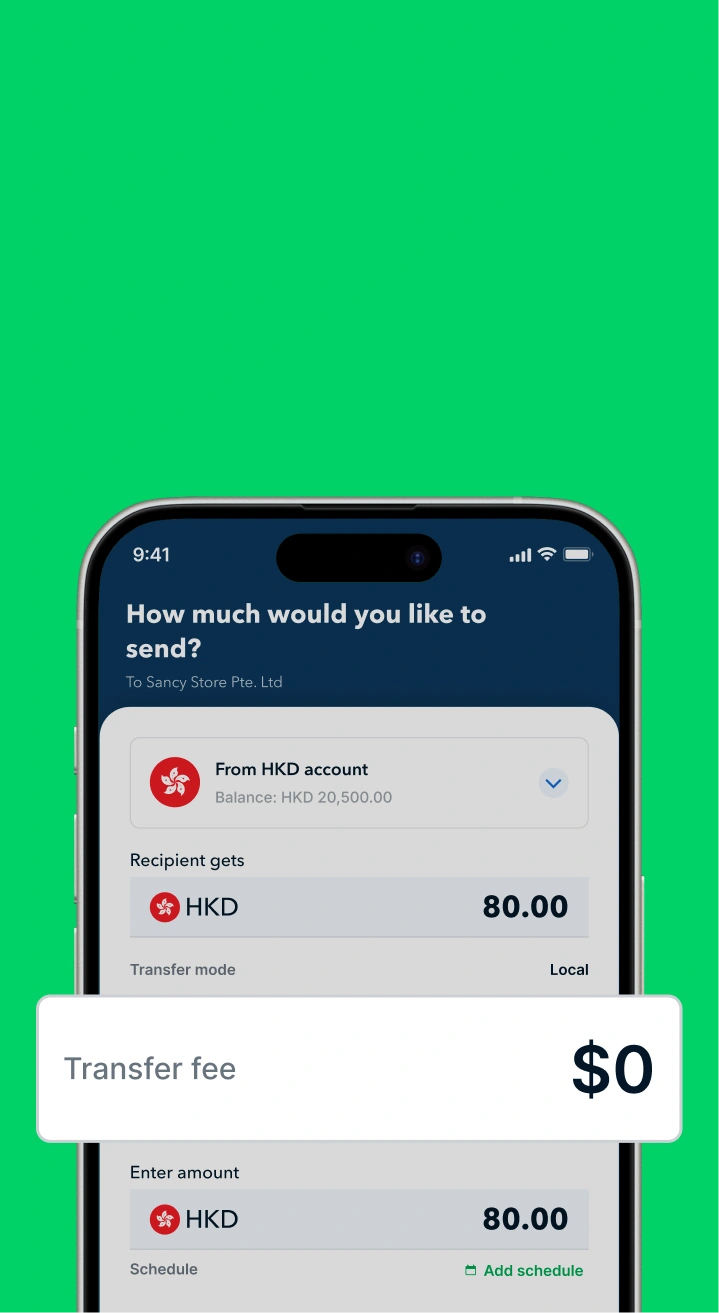
- Open Multi-currency Accounts for Zero-Cost Receivables: Easily open USD and other foreign currency accounts to directly receive platform payments from AliExpress. The process is like a local transfer, avoiding intermediary bank fees from traditional wire transfers, ensuring the full amount reaches your account.
- Pay Globally at Best Rates: Whether sourcing from Mainland manufacturers, paying international logistics fees, or running overseas advertising campaigns, you can enjoy FX rates far superior to traditional banks, significantly reducing operational costs.
- Corporate Cards & Expense Management: Equip your team with Aspire corporate cards to easily cover daily operating expenses. All transaction records are automatically synced to the backend, and with integration into accounting software like Xero, financial management and expense reporting become unprecedentedly simple.
- Maximize Returns: Use your corporate card for marketing, SaaS subscriptions, and other designated spending to earn up to 1% cashback. This cashback is automatically credited to your account monthly, genuinely turning your operating costs into sustained returns. Combined with the expense management tools, you can instantly track reimbursements and receipts, saying goodbye to disorganized paperwork and manual reconciliation.
Open a free account now to experience a more flexible and intelligent financial solution than traditional banks, and accelerate your business growth!

.jpeg)




.webp)