


What is an Instagram Shop (IG Shop)?
Clarifying the Concept: IG Shop vs. Instagram Shopping
Many people use these terms interchangeably, but they actually represent different levels of functionality:
- Instagram Shopping: This is the umbrella term for a suite of features that allow businesses to tag products from their "Product Catalog" in posts, Stories, and Reels. When users tap a tag, they see the product name and price, and are guided to the brand’s official website to complete the purchase.
- Instagram Shop (IG Shop): This is an advanced storefront built on top of the "Shopping" features. It is a dedicated e-commerce tab embedded directly within the Instagram app. Businesses with an IG Shop have a "View Shop" button on their profile. In certain regions (primarily the US), users can even browse, order, and pay via the "Checkout" feature without ever leaving the app.
In short: "Shopping" is the foundational tool (tagging products), while "Shop" is the upgraded, dedicated storefront.
Why IG Shop is the New Frontier for E-commerce
In a landscape where users are young and highly engaged, the value of an IG Shop is undeniable:
- Boost Brand Exposure: Products can appear on the "Explore" page or the dedicated "Shop" tab, reaching potential customers who don’t follow you yet.
- Streamline the Path to Purchase: The journey from seeing a post to clicking "Buy" is shortened significantly, reducing the bounce rate caused by switching apps.
- Targeted Reach: Instagram’s powerful algorithm helps your products reach users specifically interested in your brand or niche.
Am I Eligible to Apply for an IG Shop?
Before you get excited about opening your doors, make sure you meet Instagram’s strict requirements.
Check Supported Countries (Hong Kong Status)
This is the most critical step. According to Meta’s official guidelines, the full "Instagram Shop" and "Checkout" features are currently not fully open to all users in Hong Kong.
Currently, these features are primarily available in the Americas (US, Canada), Europe (UK, France, Germany), and parts of Asia-Pacific (Japan, Korea, Taiwan, Australia).
Alternative Solutions for Hong Kong Sellers: Even if native IG Shop features aren't fully available, you can still sell effectively using these methods:
- Link-in-Bio Tools: Use tools like Linktree, Taplink, or ManyChat to create a "mini-site" in your bio that links directly to your product pages.
- Direct-to-Website: Use compelling visuals and a clear Call to Action (CTA) in your Stories and posts to guide users to your official website link.
- DM (Direct Message) Orders: The most common method in HK. Showcase products in Stories and invite customers to DM you for details and pay via FPS or PayMe.
Account Requirements: Business or Creator
To access business features, you must switch to a "Professional Account":
- Business Account: Best for retailers, brands, and service providers.
- Creator Account: Best for public figures, content creators, and influencers. Both provide access to Insights, which are vital for analyzing follower demographics and post performance.
Compliance with Commerce Policies
Instagram enforces strict rules on what you can sell:
- Physical Goods Only: IG Shop primarily supports physical products. Services and digital content generally do not qualify.
- Commerce Policies: Products must not violate Meta’s policies (e.g., no tobacco, weapons, pharmaceuticals, or counterfeit goods).
How to Set Up Your IG Shop: A 5-Step Guide
(Note: These steps apply to regions where the IG Shop feature is supported.)
Step 1: Switch to a Professional Account
- Go to your Instagram profile and tap the Menu (☰).
- Select Settings and Privacy > Account Type and Tools.
- Tap Switch to Professional Account and choose "Business." Tip: Ensure your contact info (Email, Phone) and physical address are accurate.
Step 2: Link Your Facebook Page
IG Shops are built on the Facebook (Meta) business ecosystem. You must link a Facebook Page to your Instagram Business account. You can do this under Settings > Business > Connect or Create a Facebook Page.
Step 3: Create and Connect a "Product Catalog"
This is the heart of your shop, storing images, prices, and descriptions.
- Method A: Manual Setup via Meta Business Suite. Best for small inventories (under 50 items). You manually upload every detail.
- Method B: E-commerce Platform Integration (Recommended). Connect platforms like Shopify, WooCommerce, or Boutir. This allows "one-click synchronization" of your inventory, ensuring prices and stock levels are always up-to-date.
Step 4: Submit for Review
Once your catalog is connected, your account enters the review stage. Instagram will verify your account's authenticity and policy compliance. This can take anywhere from a few days to a few weeks.
Step 5: Turn on Shopping Features
Once approved, go to Settings > Business > Shopping. Select the product catalog you want to link. Your profile will now feature the "View Shop" button!
Marketing Strategy: Making the Most of Your IG Shop
High-Impact Features: Product Tags
- In Posts: Tag products just like you tag people. Users tap the "shopping bag" icon to see details and a "View on Website" button.
- In Stories: Use the "Product" sticker to make your ephemeral content shoppable.
Create "Collections"
Organize your shop tab into themes like "New Arrivals," "Best Sellers," or "Summer Essentials" to help customers navigate your inventory easily.
Leverage Reels and Video
Short-form video is the best medium for product discovery. Create unboxing videos, "How-to" guides, or "Before & After" Reels and tag the featured products directly in the video.
Aspire Business Account: Simplify Your IG Shop Cash Flow
As your IG Shop or linked e-commerce site grows, managing cash flow becomes a challenge. You’ll need to handle platform payouts, pay for IG Ads, settle supplier invoices, and pay for SaaS subscriptions like Shopify.
Aspire offers an integrated financial solution designed for modern e-commerce:
- Centralized Management: Track all e-commerce income and expenses in one clear dashboard.
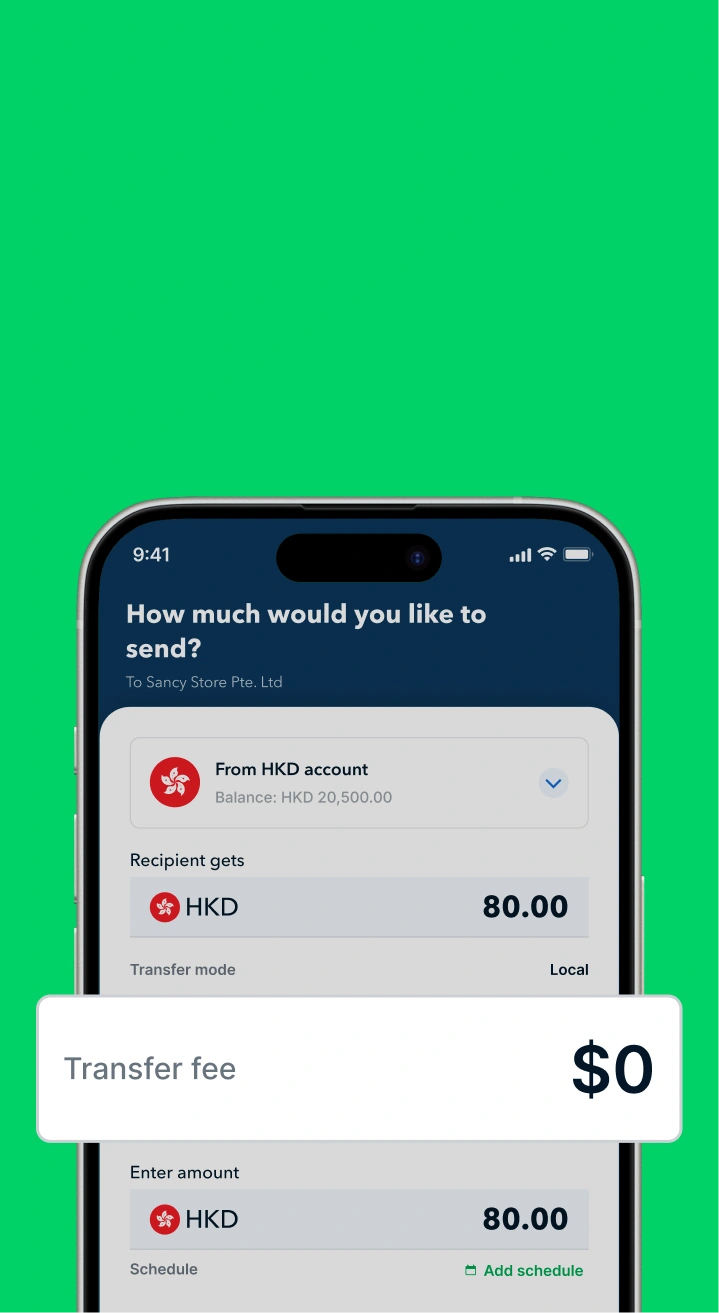
- Save on Global Remittances: If your suppliers are overseas, Aspire provides highly competitive FX rates and low transfer fees compared to traditional banks.
- Flexible Virtual Cards: Issue dedicated virtual debit cards for specific purposes—one for Instagram Ads, another for Shopify fees—with custom spend limits to keep your budget in check.
- Automated Expense Tracking: Sync with accounting software like Xero to simplify your month-end reconciliation.
Open a free account today to experience a more flexible, intelligent corporate financial solution than traditional banking, and accelerate your business growth!

.jpeg)




.webp)