



How to Collect Payments using Stripe
Stripe provides flexible and powerful collection tools for businesses of all sizes. Whether you are a startup, a freelancer, or an established e-commerce seller, you can choose the most suitable solution based on your operational needs:
- Payment Links: The fastest and simplest way to collect payments. No website or coding required; simply generate a link in the dashboard to share via WhatsApp, email, or social media for one-click payments.
- Professional Invoices: The top choice for B2B and professional services. Supports customized line items, tax rates, and discounts, with automated tracking and due date reminders to shorten the accounts receivable cycle.
- Stripe Checkout: A checkout experience optimized for conversion rates. Provides pre-built, mobile-optimized hosted pages supporting multiple languages and currencies, giving you a bank-grade secure payment interface without complex development.
- E-commerce Platform Integration (API or Plugins): Seamlessly connects to your brand website. Customize flows via API or use official plugins for platforms like Shopify, WooCommerce, and SHOPLINE to achieve full automation from order generation to refund processing.
Payment Links
For sellers who have not yet built a website or wish to simplify the collection process, Stripe Payment Links is the most direct and efficient solution.
- Minimal Setup: Create links in the Stripe Dashboard by entering product names and prices. You can set up one-time payments, recurring subscriptions (e.g., monthly fees), or donation modes.
- Multi-channel Sharing: Share links instantly via WhatsApp, LINE, Signal, email, or post them on Facebook and Instagram.
- Professional Experience: Customers land on a Stripe-hosted secure page supporting Credit Cards, Apple Pay, Google Pay, and AlipayHK, ensuring transactions are completed in seconds.
Creating Invoices
Stripe’s invoice function is designed for professional services and B2B transactions, turning tedious billing into an automated process:
- Precise Billing Management: Quickly create invoices with detailed line items, quantities, and tax rates to reduce customer disputes.
- Diverse Payment & Tracking: Send invoices via email or shareable links. Customers pay on a professional page supporting credit cards and bank transfers. The system sets automatic due reminders, saving time on manual follow-ups.
- Subscription Automation: Supports recurring billing for freelancers and merchants providing subscription services, allowing you to focus on business growth.
Stripe Checkout
If you have an existing website but want to skip the complexity of developing payment forms, Stripe Checkout is the best balance of security and user experience:
- Rapid Integration: Use Stripe-hosted professional pages via simple embedding or redirection, removing the need to handle complex code or server security settings.
- Globalized Shopping: Supports over 135 currencies. Checkout automatically displays the correct language and exchange rate based on the buyer's location, increasing trust in overseas markets.
- Mobile Optimization: Deeply optimized for mobile devices with one-click payments (Stripe Link), significantly reducing Cart Abandonment and maximizing conversion rates.
E-commerce Platform Integration (API or Plugins)
- "Zero-Code" Integration: For stores on Shopify, WooCommerce, SHOPLINE, or Boutir, simply install the official Stripe plugin and bind your API key.
- High Flexibility for Custom Systems: For large e-commerce sites needing custom flows, the Stripe API allows seamless connection from order authorization to automated refunds with your backend ERP or CRM systems.
- Unified Management: Financial data is automatically synced, making it ideal for cross-border e-commerce seeking high efficiency and automation.
Pros of Collecting Payments via Stripe
Since its launch in 2011, Stripe has processed over a trillion dollars in transactions, with tens of thousands of Hong Kong businesses as users. Compared to traditional bank transfers or PayPal, Stripe’s advantages lie in its technical friendliness and global support. Below are the primary benefits for Hong Kong users:
Secure and Reliable International Standards
- Stripe adopts bank-grade AES-256 encryption technology and fully complies with the payment industry's highest PCI DSS Level 1 standard. It passes independent audits annually, allowing HK merchants to launch operations quickly without handling tedious compliance procedures themselves.
- The built-in Radar fraud protection function utilizes machine learning to analyze billions of global transaction data points in real-time. It accurately detects and blocks abnormal behavior, effectively filtering high-risk orders for HK online stores dealing with cross-border and mainland tourist transactions without affecting normal conversions.
- Furthermore, through advanced tokenization technology, customers' sensitive credit card data is processed directly by Stripe and never touches the merchant's server. This significantly reduces the risk of data leaks and allows SMEs to operate in the most secure environment with minimal technical burden.
No Hidden Fees, Pay-per-Transaction
- Stripe adopts a transparent pricing policy with absolutely no setup fees, monthly fees, or hidden costs. Charges are applied proportionally only when a transaction is successful.
- In the event of a transaction dispute, Stripe only pre-collects a HK$115 dispute handling fee; once the merchant wins the case, this fee is refunded in full.
- This pay-as-you-go model is particularly suitable for Hong Kong startups and seasonal e-commerce, allowing operators to avoid worrying about fixed expenses and making cash flow more predictable. Merchants can invest all saved funds into marketing and inventory, maximizing capital efficiency.
Supporting Multi-platform Integration
- Stripe’s strength lies in its vast compatibility; a single platform can support over 135 currencies and 150+ payment methods.
- Merchants only need one integration to receive mainstream HK payment tools like Apple Pay, AlipayHK, WeChat Pay, and FPS (Faster Payment System), perfectly covering the payment needs of the local market and mainland tourists.
- The system seamlessly embeds into e-commerce platforms like Shopify, SHOPLINE, Boutir, and WooCommerce, allowing online stores to go live in minutes.
- Additionally, Stripe features intelligent recognition that automatically displays the most appropriate payment options based on the customer's geographical location, helping SMEs expand their cross-border e-commerce business easily without extra development costs.
Improving User Experience, Reducing Cart Abandonment
- Through one-click payment and non-redirection checkout functions, Stripe significantly optimizes the user experience for HK e-commerce. Customers can complete transactions directly on the store page without jumping to external sites or re-entering tedious information, making the purchase process easier and faster.
- Moreover, with Stripe Link technology, the system securely stores customer credit card and shipping address information to auto-fill details during subsequent purchases. This simplifies checkout steps and effectively solves the cart abandonment problem caused by overly complex procedures, significantly boosting store conversion rates.
Powerful Data Analysis Tools
- The Stripe Dashboard provides comprehensive data analysis capabilities, generating real-time professional reports on Revenue, Refunds, MRR (Monthly Recurring Revenue), and distribution by region and payment method. This eliminates the need for businesses to invest in additional Business Intelligence (BI) tools.
- Advanced users can utilize Stripe Sigma to perform deep queries via SQL or AI natural language (e.g., "What was the average order value for WeChat Pay last month?"), generating visual charts in seconds.
- Its API supports automatic synchronization with systems like Google Sheets, Shopify, and QuickBooks, helping HK owners accurately track hot-selling items, grasp peak season trends, and optimize inventory turnover for data-driven management.
5 Steps to Collect Payments using Stripe
The Stripe collection process is simple and can be started in just a few steps:
- Register and Enable Stripe Account: Visit the Stripe website to create an account. Fill in basic info (email, full name, password, country, business type) and provide specific company/individual details. Once enabled, obtain your API keys (Publishable Key and Secret Key) for website integration.
- Integrate Stripe into Website or App: No-code users can use Stripe Checkout or Payment Links to embed buttons/links directly. Advanced users or coders can choose Payment Elements or Payment Intents to customize payment forms. Shopify users can simply bind the Stripe plugin in the backend.
- Customer Performs Payment: Customers add items to their cart, enter the checkout page, and choose a payment method. Stripe verifies payment info in real-time, checks for fraud via Radar, and performs 3D Secure authentication if necessary. Status becomes "succeeded" upon success; failures show errors for retry. Credit card payments usually finish in seconds.
- Order Confirmation and Follow-up: Upon success, Stripe notifies your server via webhooks. You can automatically update order status, send confirmation emails, or arrange shipping. For delayed charges, you can Authorize first and Capture funds manually later.
- Fund Settlement and Withdrawal: After Stripe automatically deducts handling fees, the balance is transferred to the bound bank account. You can view collection, refund, and transfer reports on the Dashboard.
What Are The Fees (For Hong Kong Sellers)
[Table:1]
Limits & Timing
- Limits: Stripe has no fixed total collection limit or single transaction cap, allowing unlimited global payments.
- Timing (New Accounts): First transfers usually take 7 to 14 days for risk review.
- Standard Timing (HK): A rolling 7-business-day (T+7) cycle applies.
- Aspire Advantage: If you connect a new Stripe account through Aspire, you can apply for accelerated settlement (T+3), bringing funds into your account within 3 business days.
Choose Aspire for Faster and More Economical Global Transfers
After securing your collection tools, the final step is managing where your money goes. With an Aspire Multi-currency Business Account, enterprises can receive and send money without repeated FX conversions, saving massive fees.
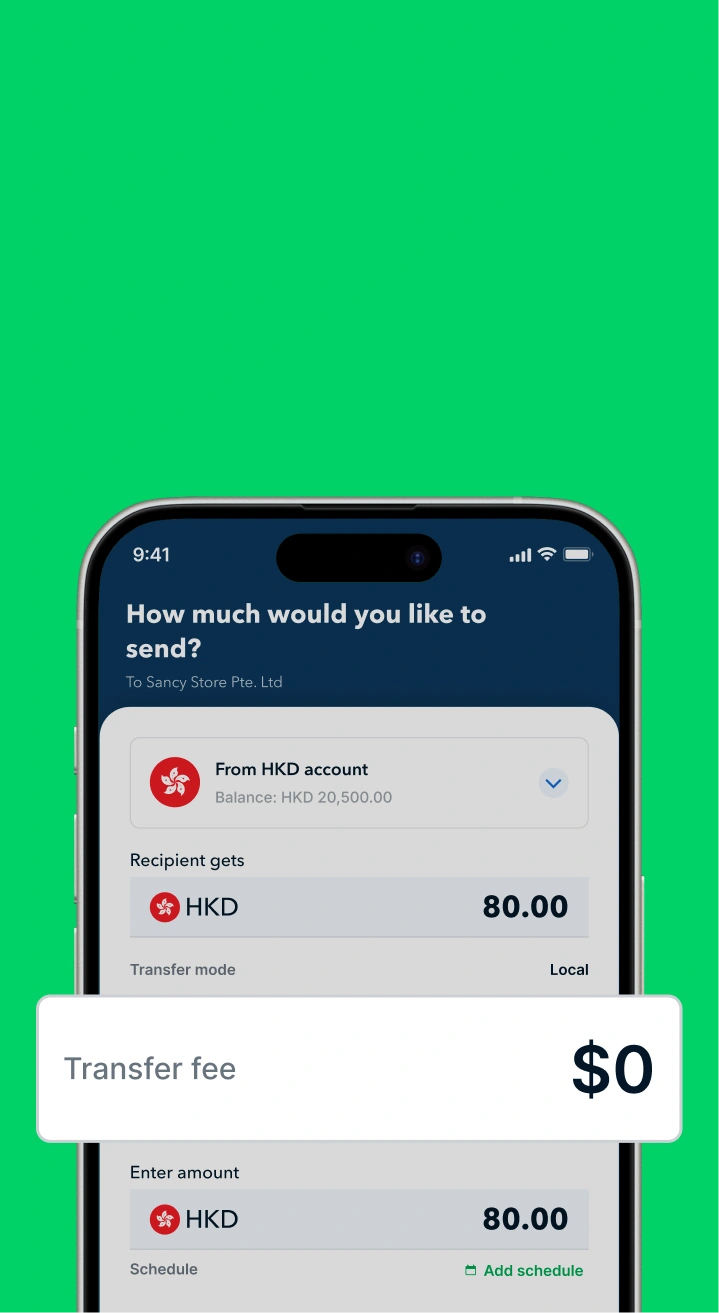
- Free Local Transfers: Supports FPS and CHATS for timely local payments and payroll.
- Global Solutions: SWIFT transfers starting from USD 8, saving up to 3x on international fees across 130+ countries.
- Multi-currency Accounts: Open accounts in 40+ major currencies to hold funds and avoid forced exchange losses.
- Cashback Rewards: Use the Aspire Corporate Card for Marketing or SaaS expenses to earn up to 1% Cashback, turning your operating costs into returns.
Open an account for free now to experience a smarter, more flexible financial solution and accelerate your business growth!

.jpeg)




.webp)