

What is PayID
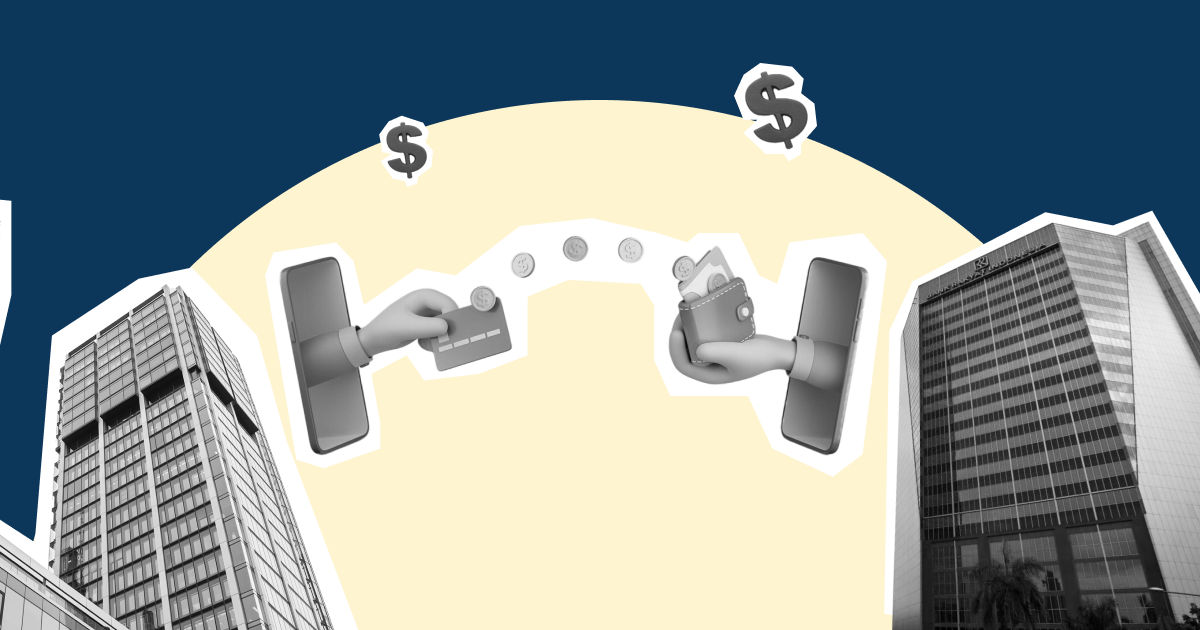
PayID links your bank account to something easy to share, like your mobile number, email address, or ABN. Instead of reading out a six-digit BSB and an eight or nine-digit account number, you give one short identifier, and the money lands straight in your account.
But the shorter number is not the real win. The moment of payment is. When a customer enters your PayID, their banking app shows them the name attached to it before they send. Say you run "Acme Trading Pty Ltd" and a new client goes to pay your invoice. They type in your ABN, see "Acme Trading Pty Ltd" appear on screen, and know the money is going to you and not a scammer who slipped a fake account onto a copied invoice. That single check saves the "can you confirm your account details again?" email that usually holds up a first payment.
So when founders ask what is PayID and how it works in practice, it comes down to two jobs at once. It makes it easier to pay, and it lets both sides confirm a name before any money moves. It does not replace your account. Your BSB and account number stay exactly the same underneath, and PayID just sits on top as a friendlier front door to them.
One point worth setting straight early, because it shapes everything later: what is PayID in Australia built for? Domestic payment addressing between Australian bank accounts. It is not something an overseas customer can usually pay into directly from a foreign bank account, which starts to matter the moment your business is not purely local. More on that further down.
How PayID actually works behind the scenes
PayID is just the name people see. The real work happens on a system called the New Payments Platform, or NPP. Australian banks switched it on in February 2018 so money could move between banks in seconds, not overnight. Every PayID payment runs on it.
Here is what happens when a customer pays your PayID:
- They enter your PayID: your mobile, email, or ABN, instead of your BSB and account number
- Their bank checks it: the NPP finds which account your PayID is linked to
- They see your name: the screen shows your registered name, so they know they are paying the right business
- They hit send: the money moves through the NPP as a real-time payment
- It arrives fast: usually in under a minute, even across different banks, even at 9pm on a Sunday
That speed is the part of what is PayID that founders notice most. A normal transfer using a BSB and account number can sit until the next business day. Getting paid on Friday night instead of Tuesday changes what you can do with that money over the weekend.
PayID is not some niche feature either. It has become the way most Australians expect to pay and get paid, with well over 38 million PayIDs registered by the end of 2025, according to Australian Payments Plus, which runs the system. For you, that means one thing: put a PayID on your invoices and most customers will already know what to do with it, no explanation required.
One thing to watch: fast does not mean unlimited. Each bank sets its own daily transfer cap, and they differ across CommBank, Westpac, NAB, and ANZ. If you are expecting a large payment, check that the payer's daily limit covers it, or they may need to split it or raise the cap first.
What is my PayID, and how do you find or create one
If you have ever received money and wondered what is my PayID or whether you even have one, the answer is that you do not have a PayID until you create it. It is not switched on automatically. To check what is my PayID today, open your bank's app or internet banking and look under a "PayID" or "Pay Anyone" section. If nothing is registered, you create one there, and the whole thing takes a few minutes.
For a personal account, you would typically link your mobile number or email. For your business, the identifier that matters is your ABN. Registering your ABN as a PayID means customers can pay "12 345 678 901" and see your registered business name confirmed before they send. That is cleaner than sharing account numbers, and it looks more professional on an invoice.
A few practical rules that trip founders up:
- One identifier, one account: A single PayID, such as your mobile number, can only be linked to one account at a time. If you want your ABN pointing to your main business account and your email pointing to a separate one, that works, but you cannot link the same identifier to two accounts.
- Switching banks means moving it: If you change banks, you have to remove your PayID from the old one before you can register it with the new one. Do this before you close the old account, not after, or the process gets messy.
- The name people see is the name you register: Your PayID name is what payers confirm before sending. For a business, make sure it reads as your customers expect, so nobody hesitates over an unfamiliar name.
If you cannot remember whether you have set one up, log into your banking app and look in the PayID section. It will show you which identifier is linked to which account. That is also where you go to change it, move it, or switch it off.
PayID vs BSB and account number: when each one still matters
PayID has not killed off the BSB and account number, and it will not any time soon. They do different jobs, and as a founder you will use both. The table below is the quick version:
[Table:1]
Use your PayID as the easy option for customers paying you and for quick one-off transfers. Keep your BSB and account number for anything set up to repeat, like payroll or a supplier who pays you on the same schedule every month. Not every business or customer has registered a PayID, so you will still want your account details on hand as the fallback. Leading with your PayID but listing both on an invoice is the setup that causes the least friction.
How to avoid PayID scams
PayID never shows your account details during a payment, so it is safe by design. But no payment method stops a determined scammer, and PayID scams are real, especially for anyone selling or invoicing. Here are four ways to protect your business.
- Read the name before you send: When you pay a PayID, the screen shows the registered name. Read it. If it does not match who you think you are paying, stop. This one habit catches most wrong-account and lookalike mistakes.
- Never pay a PayID "upgrade" fee: A common trick: a buyer says your payment failed because you need a PayID "business" account, claims they sent extra to cover it, and pressures you to refund the difference. No money ever arrives. NAB has flagged this exact scam. There is no such thing as a PayID upgrade fee, so treat any request for one as a red flag.
- Confirm changed bank details by phone: Invoice redirection is the one that hurts businesses most. A scammer hacks a supplier's email, swaps the account details on an invoice, and waits for you to pay. The Australian Banking Association describes this in its Scam-Safe Accord. If a supplier sends new details, call them on a number you already have, not one from the email.
- Lean on Confirmation of Payee for BSB payments: When you type in the details, your bank compares the name you entered against the receiving bank's records and warns you if it does not match, so you get a chance to pause before paying the wrong account. PayID already does this at the moment of payment. Confirmation of Payee closes the same gap for traditional transfers, which is exactly where invoice-redirection scams used to slip through.
Where PayID stops: the cross-border gap
Most guides end at "PayID is Australia only" and move on. For a founder building across markets, that one line is where the real question starts. PayID handles money moving between Australian accounts, and nothing beyond. The day you pay a supplier in Singapore, invoice a customer in the US, or need to hold funds in more than one currency, PayID is simply not in the picture.
That is not a shortcoming. PayID was built to make local payments faster, and it does that job well. It just means it covers one side of your money movement. Your AUD coming in from Australian customers can run on PayID. Everything crossing a border needs a different setup, one with fair exchange rates and local payment rails in the countries you actually operate in, rather than slow and costly international wires.
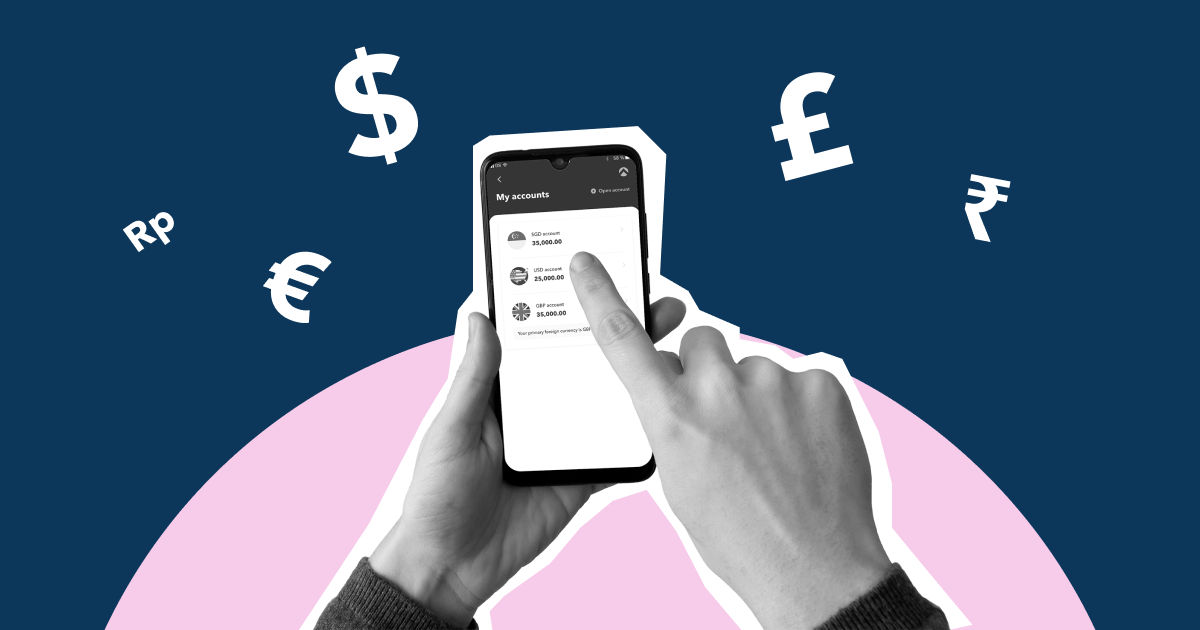
This is where Aspire comes in, and it helps to be straight about what it is not. Aspire is not an Australian bank, so there is no Aspire PayID and no NPP connection. What Aspire gives you is a multi-currency account: one place to hold Australian dollars alongside US dollars, Singapore dollars, and others, and to manage payments in multiple currencies with transparent FX and international payment workflows. So you would use PayID for money moving inside Australia, and an Aspire account for anything you pay or receive in another currency.
Frequently asked questions
Can I use PayID to receive payments from customers overseas?
No. PayID only works between Australian bank accounts. An overseas customer cannot pay your PayID from a foreign account. For international collections you will need an account that supports cross-border payments and holds the currencies you deal in.
Does it cost anything to set up or use PayID?
Most Australian banks do not charge to create a PayID or to send and receive money using it domestically. It is worth checking your own account's terms, since fees and daily limits vary by bank and account type, but the service itself is generally free.
If a customer pays my PayID by mistake, can I get the money back?
Payments settle in seconds and cannot simply be reversed once confirmed, which is why the name-check step exists. If money lands with you in error, contact your bank promptly. Recovering a mistaken payment depends on the other party and the banks involved, so it is not guaranteed.
Is a PayID safer than sharing my BSB and account number?
It reduces some risk, because your actual account details are never revealed during a payment and the payer sees your name before sending. It does not remove the risk of impersonation or fake payment claims, so the safe habit is still to verify unfamiliar requests before acting.
What happens to my PayID if I close my business bank account?
You should remove or deregister the PayID before closing the account, ideally while you still have access to that banking app. Some banks deregister it for you on closure, but confirming it yourself avoids a conflict when you try to register the same identifier with a new bank.
Is PayID the same as Osko?
No. PayID is the address that points to your account. Osko is the service that moves the money in real time. When someone pays your PayID, Osko is usually the rail carrying it, so you use both at once.
Can a business register an ABN as a PayID?
Yes, and for invoices it is the best identifier to use, since customers see your registered business name before they pay. You register it in your banking app, and your ABN can only link to one account at a time.
What is the difference between PayID and PayTo?
PayID is for one-off payments sent to you. PayTo is for scheduled, pre-approved payments pulled from an account, so it is the modern replacement for direct debit. Bill on a subscription, use PayTo. Getting paid by a single invoice, use PayID.
Can I have more than one PayID?
Yes. You can link several identifiers, like your ABN and a business email, each pointing to a different account. What you cannot do is point one identifier at two accounts at once.























.jpeg)



.jpeg)

.jpeg)