


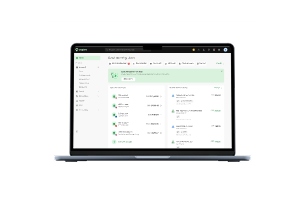
What is PayTo in plain terms
It is similar to what Osko did for bank transfers, applied to direct debits. PayTo replaces the slow, paper-based, error-prone process with something instant and visible, while your customer can directly cancel it themselves, any time.
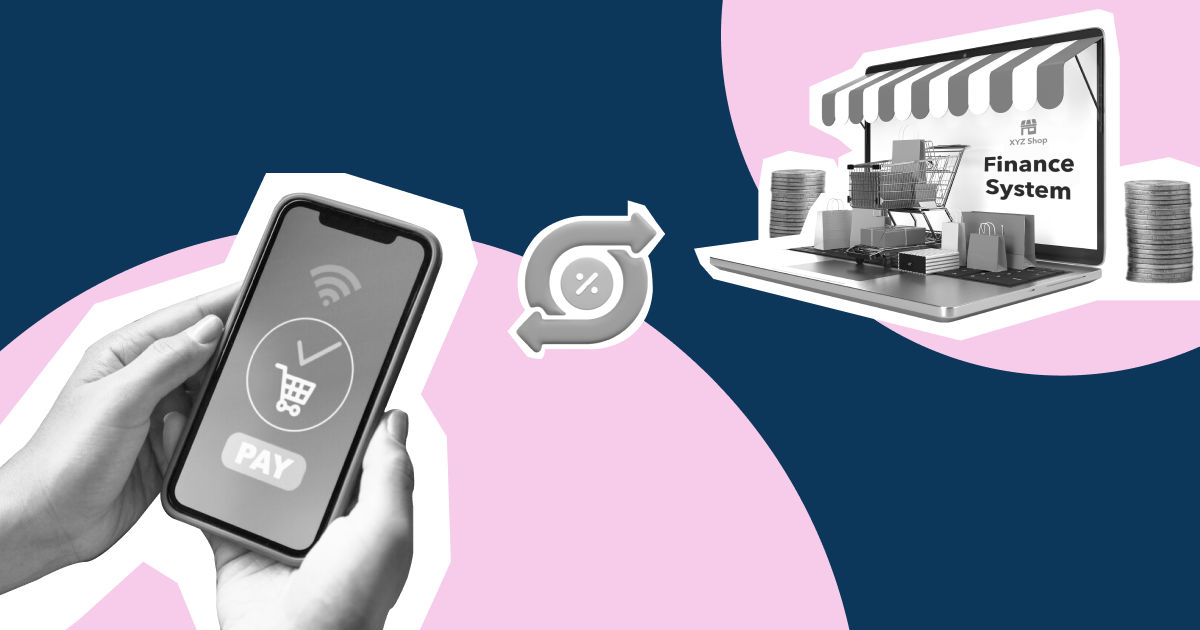
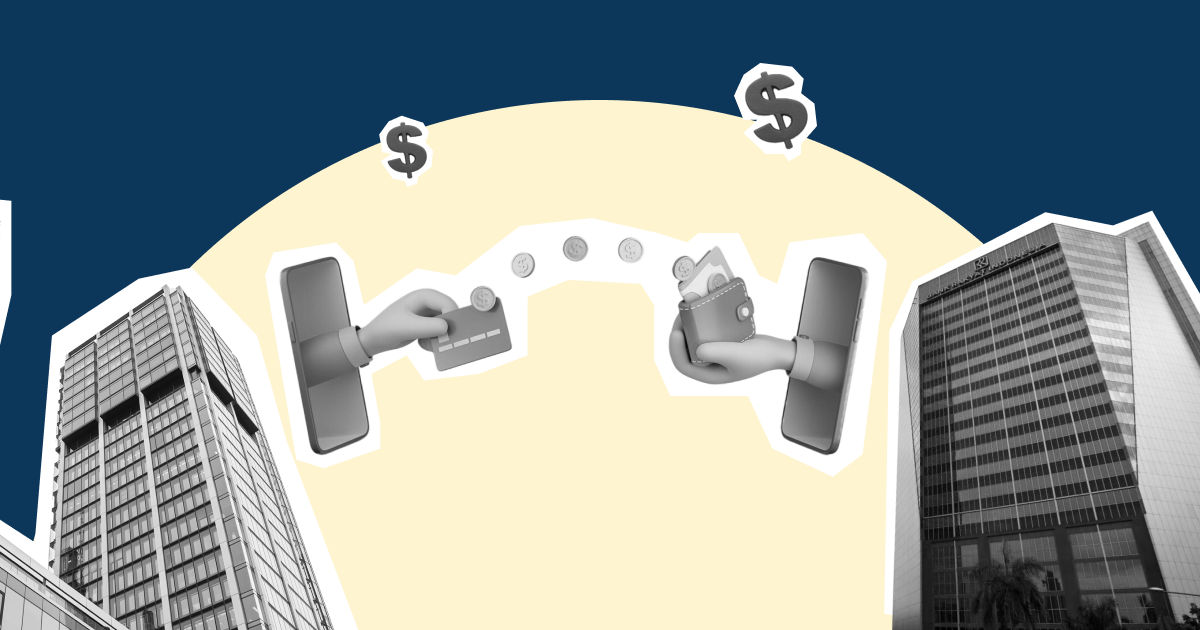
PayTo is technically an overlay service on the NPP, Australia’s real-time payments rail. As the initiator, you request permission to debit from the customer’s account. The customer authorises, views, pauses, or cancels that permission from inside their own banking app.
Almost all the major Australian banks support it, including CommBank, NAB, Westpac, and ANZ, all handling sending and authorising PayTo agreements now alongside a growing list of smaller banks, credit unions, and fintechs. NPP Australia developed and trademarked it, as part of Australian Payments Plus, the same group behind Osko, PayID, BPAY, and EFTPOS.
Here is what you should pay attention to: your customer’s bank already trusts this rail so you are not asking anyone to adopt something new or unfamiliar. You are just asking them to approve a payment inside an app they already use every day.
What is a PayTo agreement
A PayTo agreement is the digital payment authorisation between you and your customer. Before you can collect a payment, your customer reviews the agreement in their banking app and approves the terms. Every agreement contains the information on how the payment will work, including:
- The amount, a fixed amount, a maximum amount (“up to”), or a variable amount
- The frequency of the payments, one-time payment, recurring schedule, or ad hoc payment
- The purpose of the payment
- The duration of the payment, including when the agreement starts and, if applicable, when it ends
Unlike the traditional direct debit forms or the emailed mandates, PayTo agreements remain visible in your customer’s banking app. Your customers can review, manage, pause, or cancel them whenever they need, giving both sides great transparency.
It is worth being very specific while creating a PayTo agreement. The agreement defines how and when you can request payments, including the amount and payment schedule. You can set fixed or variable amounts, as well as payment limits where applicable. If you choose an ad hoc schedule without any defined frequency, you can request payments at any time after the agreement is approved. The agreement needs to be extremely specific and defined.
How PayTo works
Using PayTo is very straightforward. Once you have your PayTo agreement ready, the payment process happens in 5 steps:
Step 1: Send a PayTo agreement
The process starts with sending a PayTo agreement using your customer’s PayID (such as a mobile number, email, address, or ABN) or their BSB and account number.
Step 2: Your customer reviews and approves it
Your customer receives the agreement in their preferred banking app where they can review the payment amount, frequency, and terms before approving it. No money moves before the customer gives their full consent.
Step 3: Get instant confirmation
When your customer authorises the agreement, their account is validated in real time. You usually know immediately whether the account is active, instead of waiting days for a failed payment or rejected direct debit.
Step 4: Collect payments in real time
Once the agreement is prepared and active, the payments are processed over the New Payments Platform (NPP). Payments can be processed 24/7, including weekends and public holidays, subject to the bank or provider’s checks and availability. This gives businesses faster access to collected funds than traditional direct debit systems.
Step 5: Stay updated if anything changes
Customers can view, pause, or cancel their PayTo agreement directly from their banking app. If they make a change, you're notified immediately, so you can respond before it affects cash flow or creates reconciliation issues at month-end.
PayTo and New Payments Platform (NPP)
PayTo works on the New Payments Platform (NPP), Australia’s real-time account-to-account payments network. NPP launched in 2018 and powers real-time bank payments across participating financial institutions.
While PayID and PayTo both run on NPP, they serve different purposes. PayID identifies where a payment should go using details such as a mobile number, email address, or ABN. PayTo authorises who can initiate a payment, how much can be collected, and under what terms.
For your business, that means approved PayTo payments use NPP’s real-time infrastructure. Payments can be processed 24/7, including weekends and public holidays, subject to the bank or provider’s checks and availability. The payment information also makes it easier to match transactions and simplify reconciliation.
PayTo vs Direct Debit: What’s different for your business
Both PayTo and Direct Debit let you collect payments directly from your customers' bank accounts. The difference is how payments are authorised, processed, and managed after they're set up.
[Table:1]
Disputes work differently between PayTo vs Direct Debit
A PayTo payment isn’t disputed the same way a card payment is. If a payment is collected under the terms your customer approved, they generally can’t reverse it by simply contacting the bank. They will need to contact your business to resolve the issue. Several major Australian banks state that authorised PayTo payments are irrevocable, with refunds and reversals handled by the merchant rather than the bank or the NPP.
That's why clear payment agreements matter. When your payment amount, frequency, and terms are easy to understand, customers know exactly what they're approving. It reduces disputes, builds trust, and makes it easier to resolve issues if they arise.
Why PayTo is a better fit for subscription businesses
The biggest advantage of PayTo isn’t just faster payments but also the recurring payment model built to reduce payment failures and revenue leakage. PayTo is an ideal alternative for subscription- or membership-based businesses.
1. Checking validity before the first payment
With traditional direct debit, account issues tend to be overlooked and aren’t discovered until the first payment attempt fails. PayTo verifies the customer’s account when they authorise the agreement. This way you know upfront whether the payment details are valid and accurate.
2. Real-time notification in case a payment fails
If a customer pauses, cancels, or a payment doesn’t process due to any technical glitch, you’re notified in real time. This means you can either retry the payment, contact the customer immediately, or update their subscription immediately instead of discovering the issue days later during reconciliation.
3. PayTo bypasses the card payments to bank accounts
Recurring card payments can fail when cards expire, are replaced, blocked for fraud, or reach their credit limit. PayTo agreements are linked directly to the customer’s bank account, so they aren’t affected when a customer’s card expires or changes.
That doesn’t eliminate payment failures. A PayTo payment can still fail if the customer’s account has insufficient funds, is closed, or the payment doesn’t pass the relevant bank or provider checks. The difference is that PayTo removes card expiry and replacement from the list of recurring payment failure points.
For businesses with recurring revenue, these differences can reduce payment failures, improve cash flow, and create a smoother experience for both you and your customers.
How to set up PayTo for your business
You cannot connect with PayTo directly. You will need to work with a participating bank or a Payment Service Provider (PSP) that already supports the New Payments Platform (NPP) to start accepting PayTo payments. Here is what the setup typically looks like:
1. Choose a PayTo provider
Start by checking if your bank and the payment or finance platform that you rely on support PayTo. If it doesn’t, you can use a PSP that offers PayTo services. Several providers, including Stripe, Monoova, Azupay, Ezypay, and GoCardless, support PayTo through the NPP.
2. Complete business verification
Like any other payment service platform, you will need to verify your business before you can collect payments. This usually includes your ABN, business details, and the bank account where payments will be deposited.
3. Integrate PayTo into your checkout or billing system
Most providers offer APIs for custom integrations, along with hosted payment pages or plugins for businesses that don't have an in-house development team. That means you can start accepting PayTo without building everything from scratch.
4. Create your payment agreements
Before requesting payment, you need to create a very definitive and precise agreement for your customers that they will approve. This will include the payment amount, frequency, and description. Clear and accurate payment terms help build trust and improve approval rates.
5. Start collecting payments
If you're launching PayTo for the first time, you can begin sending payment agreements to new customers straight away. If you're moving from Direct Debit, your provider may support migration tools, but customers will generally need to authorise a new PayTo agreement before future payments can be collected.
It's worth separating these into two different jobs. PayTo is the payment rail that moves money, typically through your bank or a payment service provider (PSP). Managing the money once it arrives is a separate challenge. That's where a business account like Aspire comes in, with local Australian payment capabilities, built-in accounts receivable tools, and accounting integrations that automatically match incoming payments to the right invoices. PayTo helps you collect payments. Aspire helps solve what comes next: receiving, matching, and reconciling those payments without adding more manual finance work.
What does PayTo cost
There isn’t a standard PayTo pricing model. The cost mainly depends on the bank or the payment service provider you use. The cost also depends on the volume and integration requirements. While there is no single amount, you can definitely check these aspects that may or may not cost for PayTo payments:
- No card network fees: PayTo uses account-to-account payments instead of card networks, so any card scheme or interchange fees are negated completely.
- Lower operational costs: Real-time payment confirmation and instant failure notifications can reduce the time your team spends on chasing failed payments and reconciling transactions.
- Provider-specific pricing: Banks and PSPs set their own PayTo fees, so costs vary between providers. Some charge per transaction, while others bundle PayTo into broader payment or banking services.
Before choosing between the different providers, compare them based on your transaction volume, average payment size, and billing frequency. For many subscription businesses, PayTo can lower payment costs over time, but the right choice depends on how your business collects payment today.
Where PayTo still falls short
PayTo solves several of the friction points businesses face with recurring payments, but it isn’t the right fit for every payment use case yet.
Some of the limitations lie within PayTo itself, while others stem from the broader account-to-account payments ecosystem. The RBA’s March 2026 update on the proposed transition away from BECS highlighted several areas that still need industry work, including bulk payment capabilities, account reachability, and coordination across the payments ecosystem.
For businesses, the practical considerations include:
- Bulk payments: NPP payments are processed individually, while BECS supports bulk payment files. The industry is still working through how bulk payments will work as account-to-account payments modernise.
- Account reachability: Not every account or payment use case can necessarily move to the same modern payment capability, so coverage remains an important consideration
- Industry coordination: The RBA notes that there is still insufficient consensus on the future of account-to-account payments, which is slowing decisions around the long-term transition from BECS.
- Provider and bank support: The experience you get with PayTo depends on the participating bank, payment provider, and the capabilities they offer
That doesn’t mean you need to wait before using PayTo. It means you need to look at it as one part of your payment setup rather than assume it replaces every existing collection method.
What this means for your business
There’s no longer a June 2030 deadline for businesses to move away from BECS. AusPayNet removed the target end date in Dec 2025 until the industry develops a clearer roadmap for the future of account-to-account payments.
For now, the practical approach is to evaluate PayTo against your actual payment needs. If you collect recurring payments and want faster, account-to-account payment capabilities, PayTo is worth considering. If you rely heavily on bulk payments or use cases that PayTo doesn’t yet support, keeping existing payment methods alongside it may make more sense.
The direction of travel is clear: Australia is continuing to modernise account-to-account payments, but the final roadmap is still being developed.
Should your business adopt PayTo
PayTo isn’t the right fit for every business out there. What is worth evaluating is whether your business incurs a lot of recurring payments that are a core part of your operations.
Consider PayTo if you:
- Run a subscription, membership, instalment, or recurring billing business
- Want to reduce failed payments and speed up payment reconciliation
- Need real-time payment confirmation and faster access to funds
- Can implement PayTo through your bank or a payment service provider with minimal development work
You may want to wait if you:
- Already have a Direct Debit setup that performs well with low payment failure rates
- Serve customers whose banks don't yet fully support PayTo
- Depend on payment capabilities that are still evolving across the PayTo ecosystem
For many businesses, adopting PayTo doesn't have to be an all-or-nothing decision. You can introduce it alongside your existing payment methods, monitor customer adoption, and expand its use as it proves value.
FAQs
What is PayTo in Australia?
PayTo is a payment service built on Australia's New Payments Platform (NPP) that lets businesses collect bank account payments after customers approve a digital payment agreement in their banking app.
Is PayTo replacing Direct Debit?
Not immediately. PayTo is a modern alternative to BECS Direct Debit, but it hasn’t yet replaced it across the Australian payments system. In Dec 2025, AusPayNet removed the June 2030 target for decommissioning BECS until a clearer roadmap for the future of account-to-account payments is developed.
For now, businesses can use PayTo alongside existing Direct Debit and card payment options, depending on their payment needs and provider support. The industry is continuing to develop the long-term future of account-to-account payments in Australia.
Is PayTo safe?
Yes. Customers authorise every PayTo agreement directly within their banking app before any payment can be collected. They can also review, pause, or cancel agreements at any time, giving them greater visibility and control over recurring payments.
Can customers cancel or pause a PayTo agreement?
Yes. Customers can view, pause, or cancel a PayTo agreement directly from their participating banking app. Cancelling a PayTo agreement stops future payments, but it doesn't automatically cancel the underlying subscription or service agreement with your business.
Do I need a PayID to use PayTo?
No. While PayID can make setup easier, businesses can also create a PayTo agreement using a customer's BSB and account number.
Can PayTo be used for one-off payments?
Yes. PayTo agreements can support both one-off and recurring payments. The agreement sets the payment terms, so you can use PayTo for a single collection as well as ongoing payments where the customer has authorised the arrangement.
Can PayTo handle bulk payments?
Not in the same way as BECS Direct Debit today. PayTo is designed around individual payment agreements, while bulk payment capabilities for NPP payments are still being developed as part of the broader transition from BECS. If your business relies heavily on bulk collections, check what your bank or payment provider currently supports before moving those workflows to PayTo.
Can a customer reverse a PayTo payment?
A customer can dispute a payment or request a refund, but PayTo payments don’t work like card payments where a customer can simply initiate a chargeback. The process depends on the circumstances of the payment and the customer’s bank or payment provider. Businesses should also have a clear process for handling refunds and disputed payments.




























.jpeg)




.jpeg)

.jpeg)