


Automate business expense management without losing control
Improve your finance operations with our integrated expense management solution. Use instant corporate cards, streamlined claims, and robust spend controls to optimize processes, gain real-time visibility, and ensure in-policy spending.
Our investors




Featured on




For happier employees, managers, and finance teams

Empower your team
Equip your team with unlimited corporate cards to support faster, secure, and distributed purchasing while simplifying expense management.
Real-time control
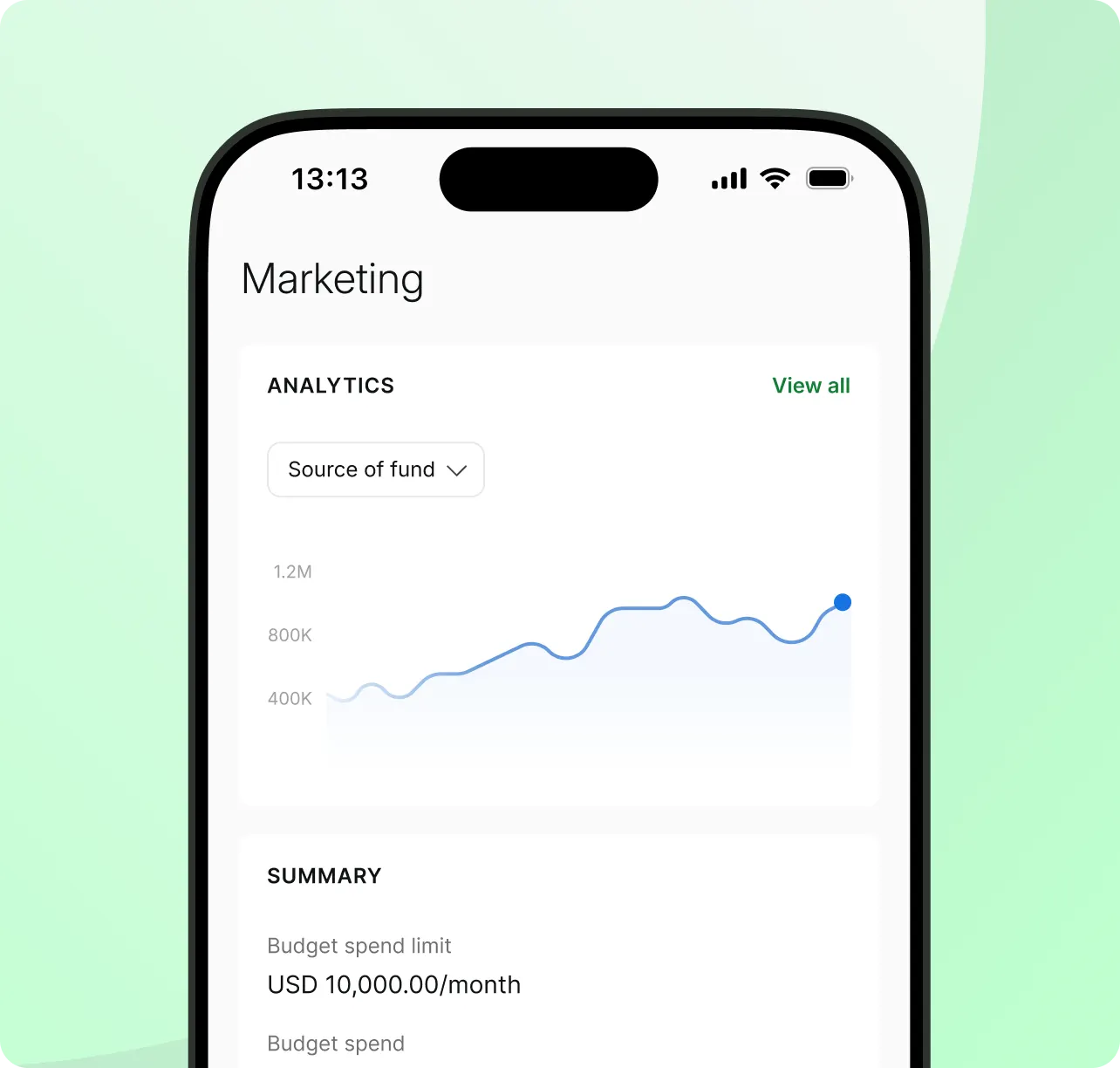
Monitor spending across cards and claims in real time. Built-in controls help ensure in-policy spending and keep expenses in check.

Automate reconciliation
Eliminate manual admin for your entire team with centralized software and accounting automation that reduces manual reconciliation
Eliminate the hassle of manual work
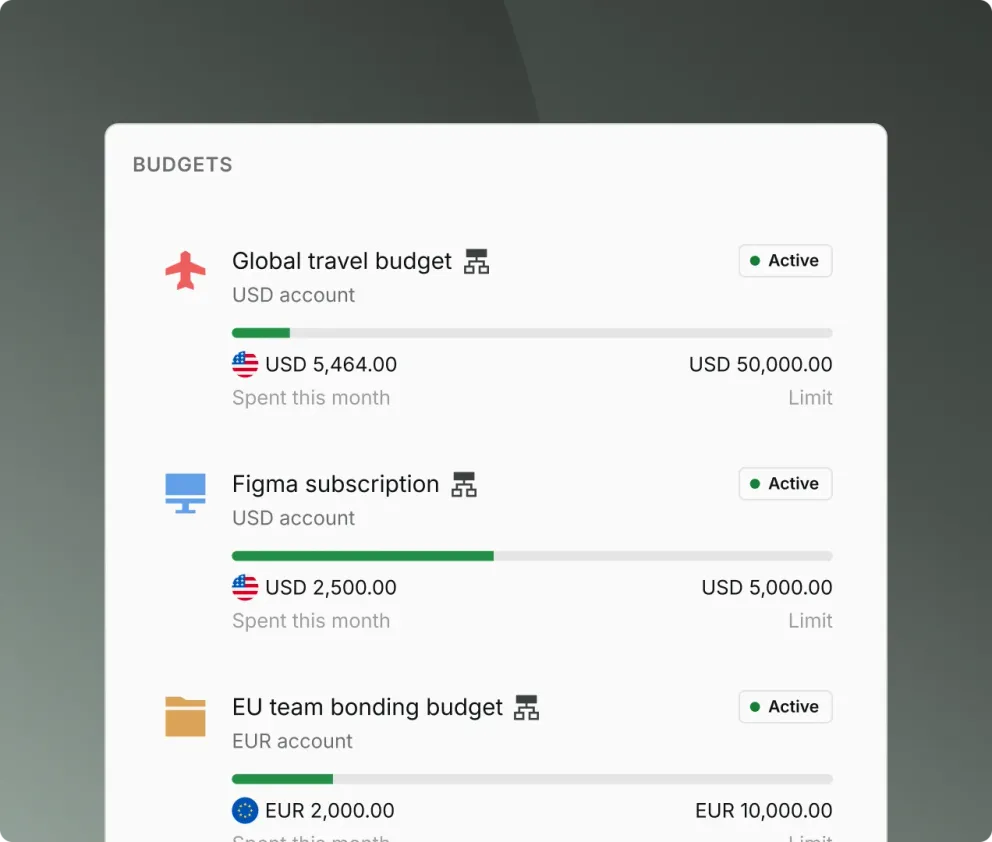
Keep spending organized with budgets and spend policies
Enable tighter control by creating budgets at the client, project, or team level
Budget owners can add budget members to manage spending within their own teams or projects
Ensure compliance with spend limits and gain real-time visibility into all employee expenses
Issue corporate cards for greater control
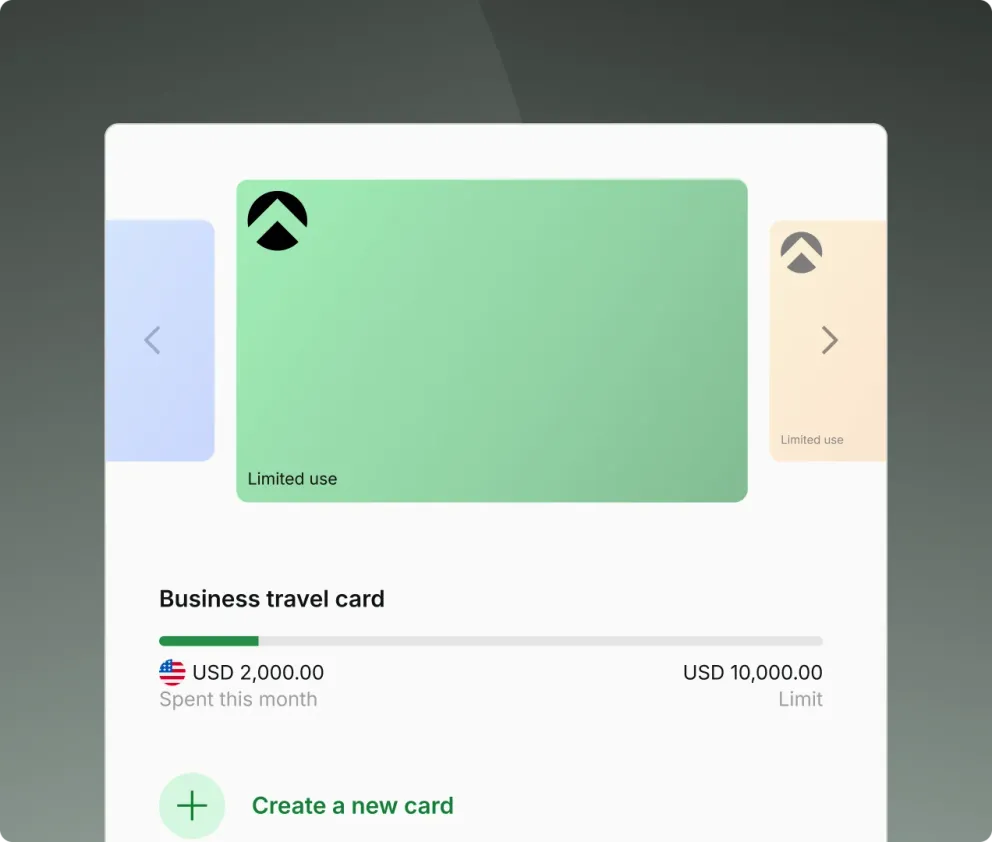
Issue unlimited virtual cards for every use case, subscription, or employee to keep finances organized
Keep card spend in policy with adjustable spend limits and merchant locks. Update settings, freeze, or cancel cards anytime
Eliminate the need for time-consuming out-of-pocket reimbursements
Make expense claims painless for the entire team
Submit, review, approve, and disburse claims from one dashboard
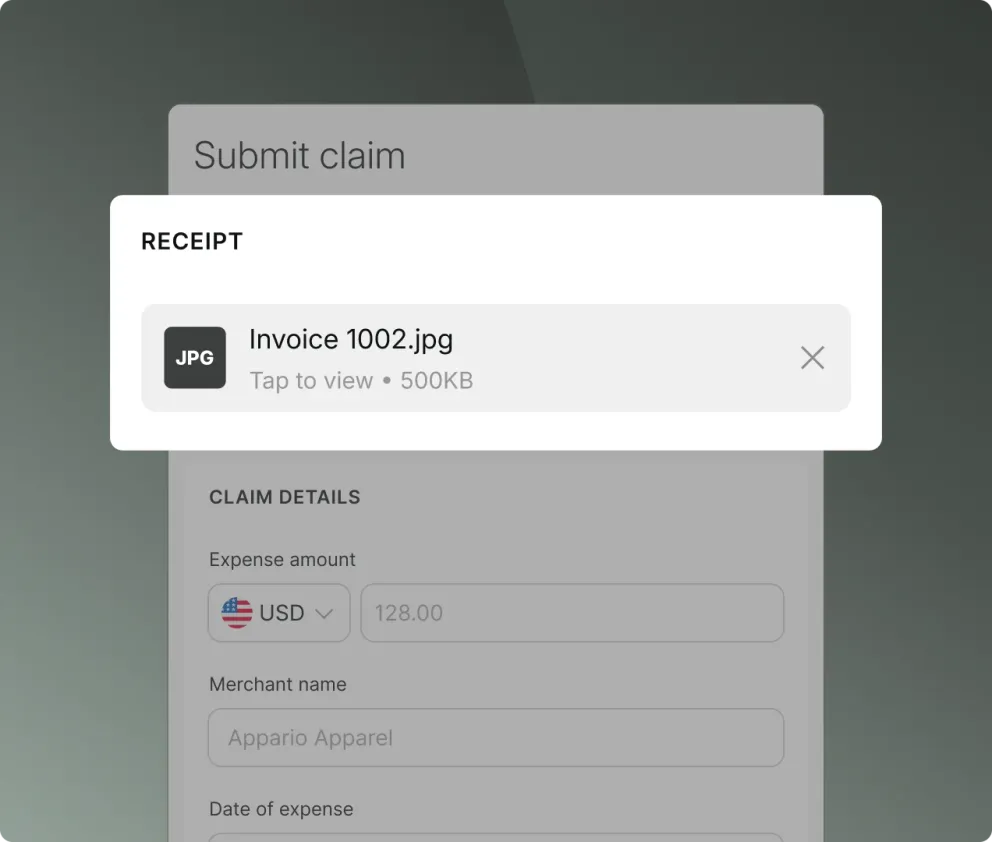
Employees can submit claims in seconds by scanning receipts via the Aspire app. No more missing receipts
Customize multi-level approval flows based on spend policies for easy reviewing
Pay reimbursements directly from your Aspire account so employees get paid faster
Manage claims alongside other expenses in a centralized platform to reduce manual reconciliation
Close your books 2x faster with accounting automations
Reduce manual errors and save hundreds of hours with native accounting integrations and smart data recognition technology
Eliminate missing receipts with automated receipt requests
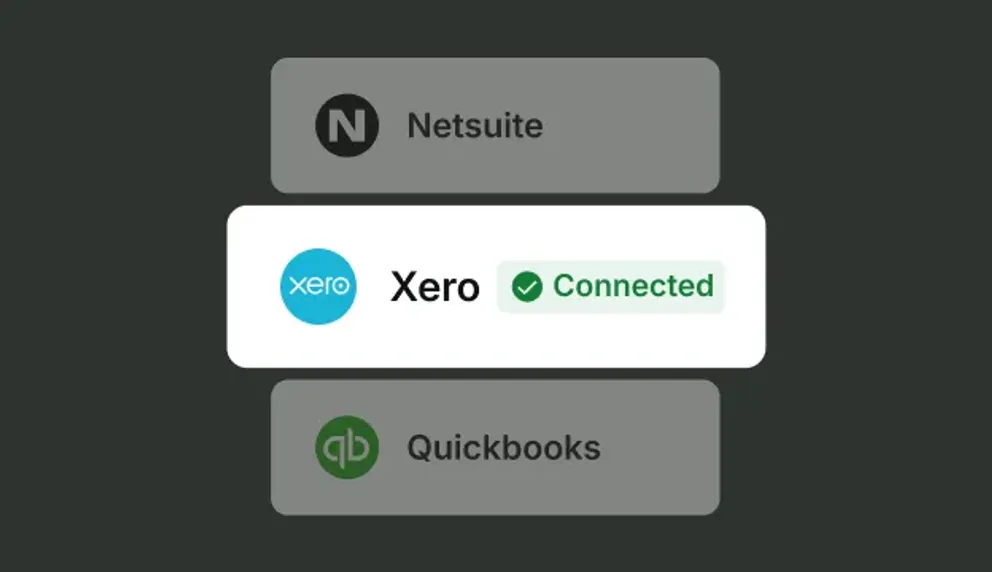
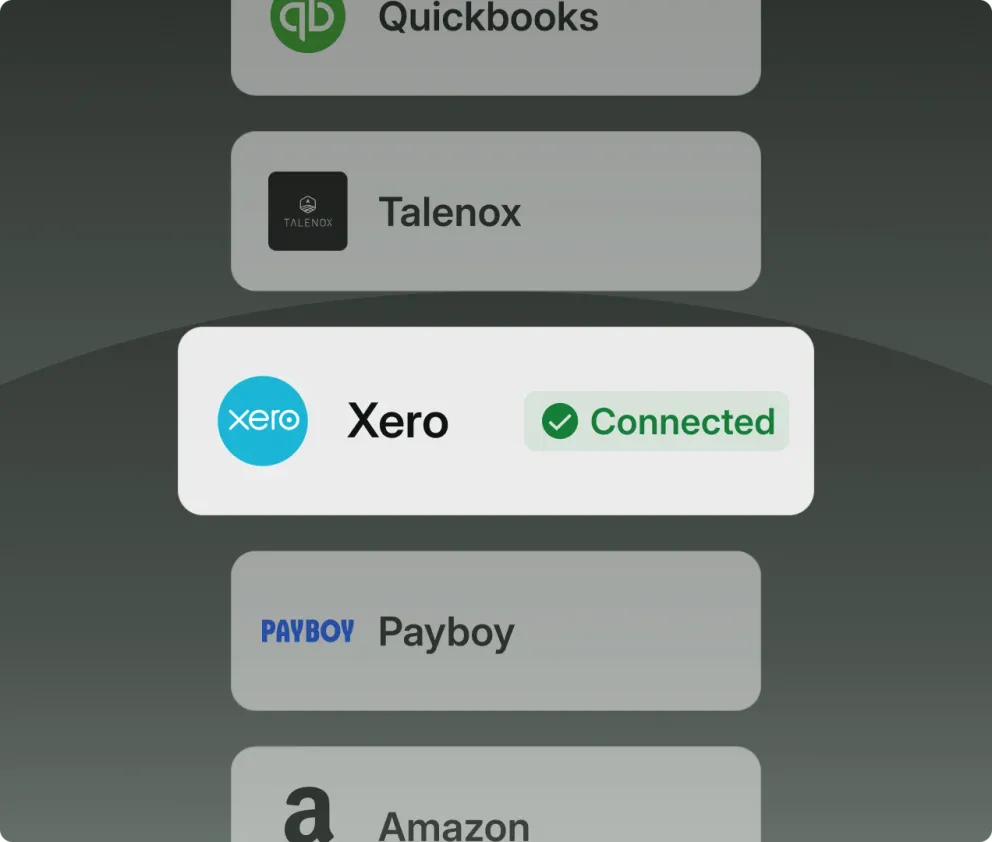
Sync card payments, employee claims and even photos of uploaded receipts with Xero with the click of a button
Use Aspire as a central document repository to store all company expenses and supporting documents
Free up time and automate expense processes

FAQ about expense management
Expense management is the process businesses use to track, control, approve, reimburse, reconcile, and report employee and business spending. It can cover card transactions, receipt collection, approval workflows, and employee reimbursement claims.
Expense management software digitizes the expense workflow from employee spending or claim submission to receipt and data capture, policy checks and approvals, finance review, reimbursement, and accounting sync. This helps reduce manual work while giving finance teams better visibility into spending.
Expense management software can reduce manual administrative work, improve spending visibility and policy compliance, simplify receipt collection and approvals, and speed up reconciliation and reporting.
Businesses should look for features such as spend controls, corporate cards and claims, receipt capture, approval workflows, accounting integrations, reporting, real-time visibility, and an easy employee experience.
Expense management focuses on tracking, approving, reimbursing, and reconciling employee and business expenses. Spend management is broader and can also cover budgets, procurement, vendor payments, and company-wide spend controls.



Start your journey with Aspire
Open your free account