


Get paid easily with Aspire
Turn outstanding invoices into cash in your account — with branded invoices, multiple payment options, and automatic reconciliation.
Our investors




Featured on




Create professional, branded invoices in minutes
Generate invoices in major global currencies from your multi-currency accounts
Customize with logo and details for a branded, professional look
Share via email with one click, no spreadsheets needed

Get paid faster with more payment methods
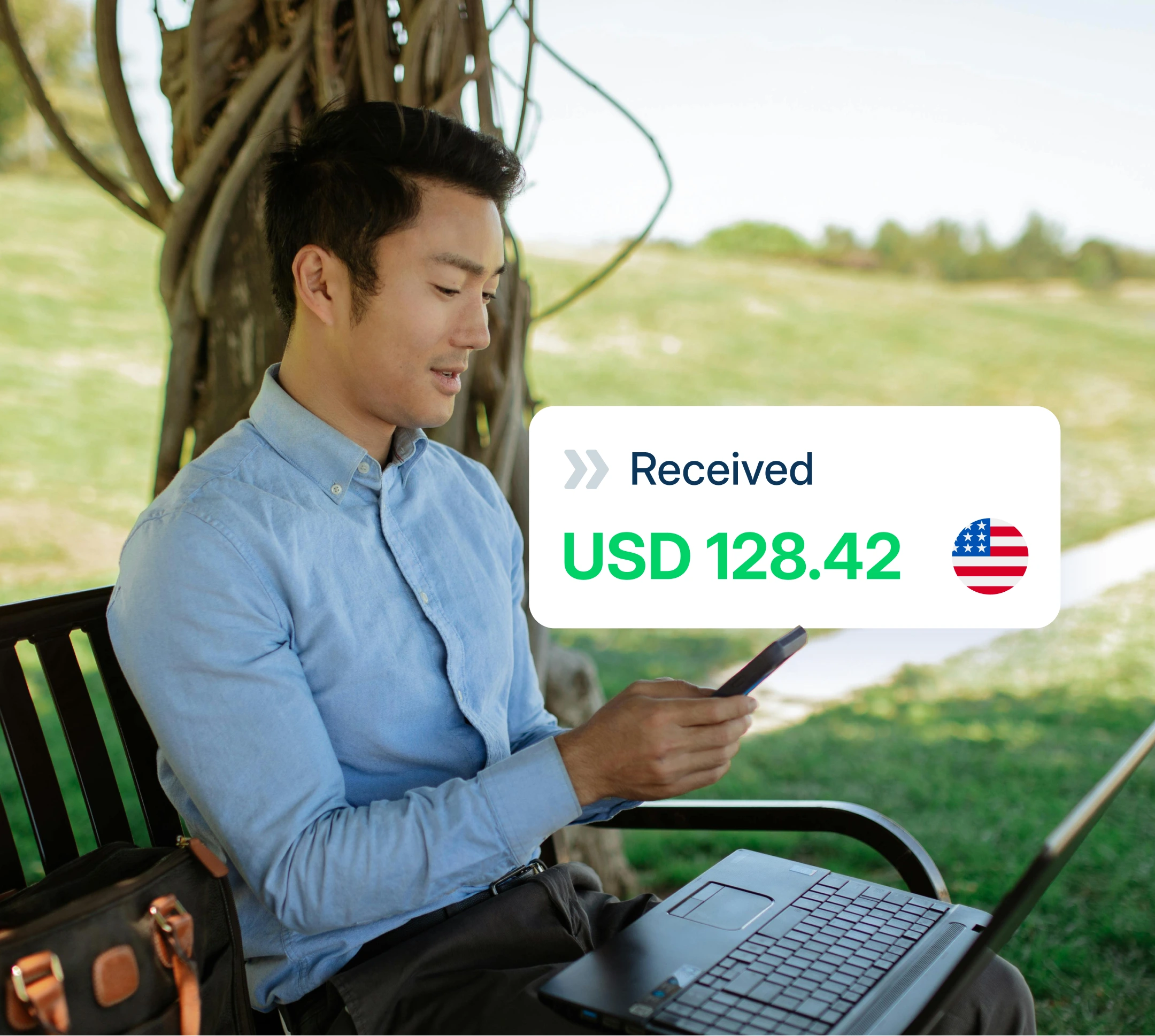
Receive payments via ACH, wire, Apple Pay, Google Pay, Klarna, SEPA direct debit, and more
Generate instant payment links for one-click customer payments
Reduce delays with easy, online shopping-like payment options

Automate reconciliation and gain instant cash flow clarity, all in one dashboard
Auto-match payments by reference and amount
Filter outstanding, overdue, paid invoices easily
View real-time cash-flow analytics for smarter decisions

Professional invoices. Instant payment links. Zero reconciliation headaches

Account Receivables FAQ
You can invoice in USD, EUR, GBP, HKD, and CNY.
Clients can pay via:
- Bank transfers: ACH, Wire, SWIFT, Real-time transfers
- Cards: Credit/debit cards, Apple Pay, Google Pay, Link
- Direct debit: SEPA Direct Debit, ACH Direct Debit
- Digital wallets: Alipay, WeChat Pay, Amazon Pay, Cash App Pay
- Buy now, pay later: Afterpay, Affirm, Klarna
- Other methods: MB Way, Multibanco
Payments can be auto-matched when the invoice reference is entered and the exact amount is paid. Alternatively, you can manually mark invoices or links as paid.
Yes. You can upload your company logo (max 5 MB, jpg/jpeg/png), edit your business address, and terms/conditions under “Receivables Settings”.
The customer is routed to a payment page where they see who the payment is to, the amount, and select from available payment methods. The link can be created for any currency-linked account.